!
INSPIRATION
AgentSky product launch: edited with Hypit
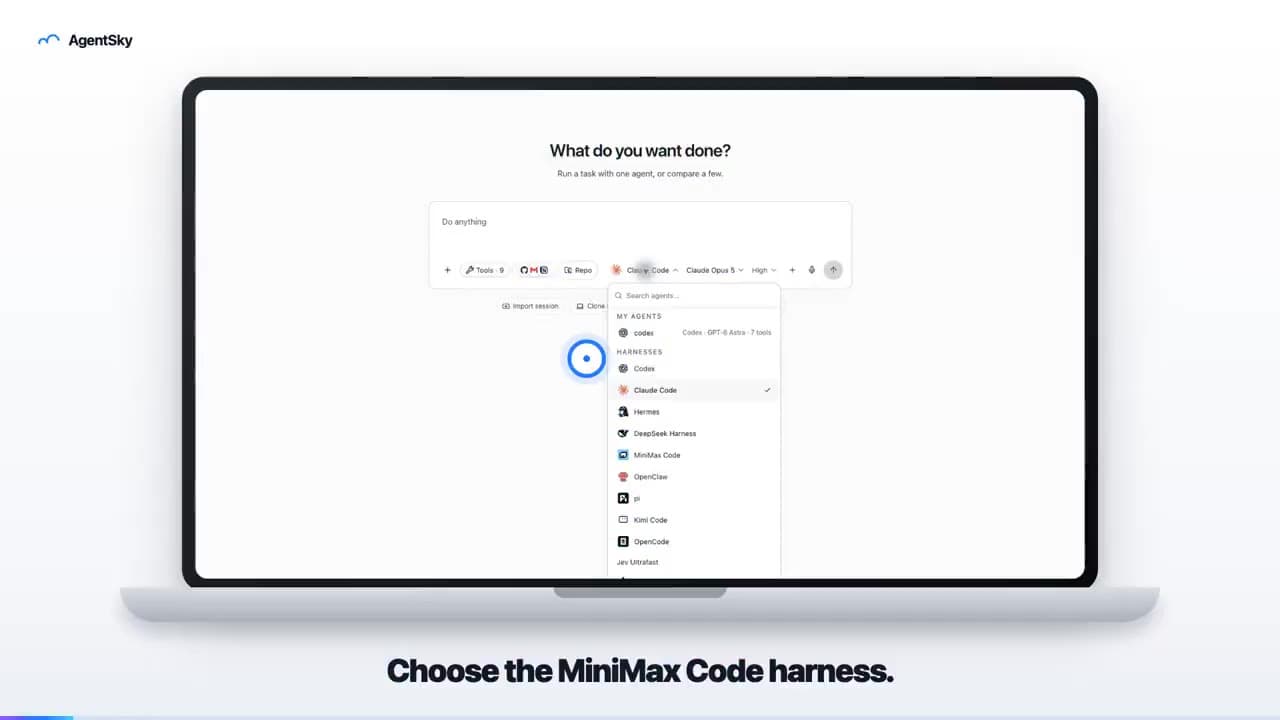
An 18-second launch video uses a laptop frame, real interface and English captions to introduce an AgentSky workflow. The author explicitly credits Hypit editing in a reply.
HYPIT VIDEO EXAMPLES
Pick a video and imagine it with your presenter, product and message.
Filter by creative task
INSPIRATION
An 18-second launch video uses a laptop frame, real interface and English captions to introduce an AgentSky workflow. The author explicitly credits Hypit editing in a reply.
INSPIRATION
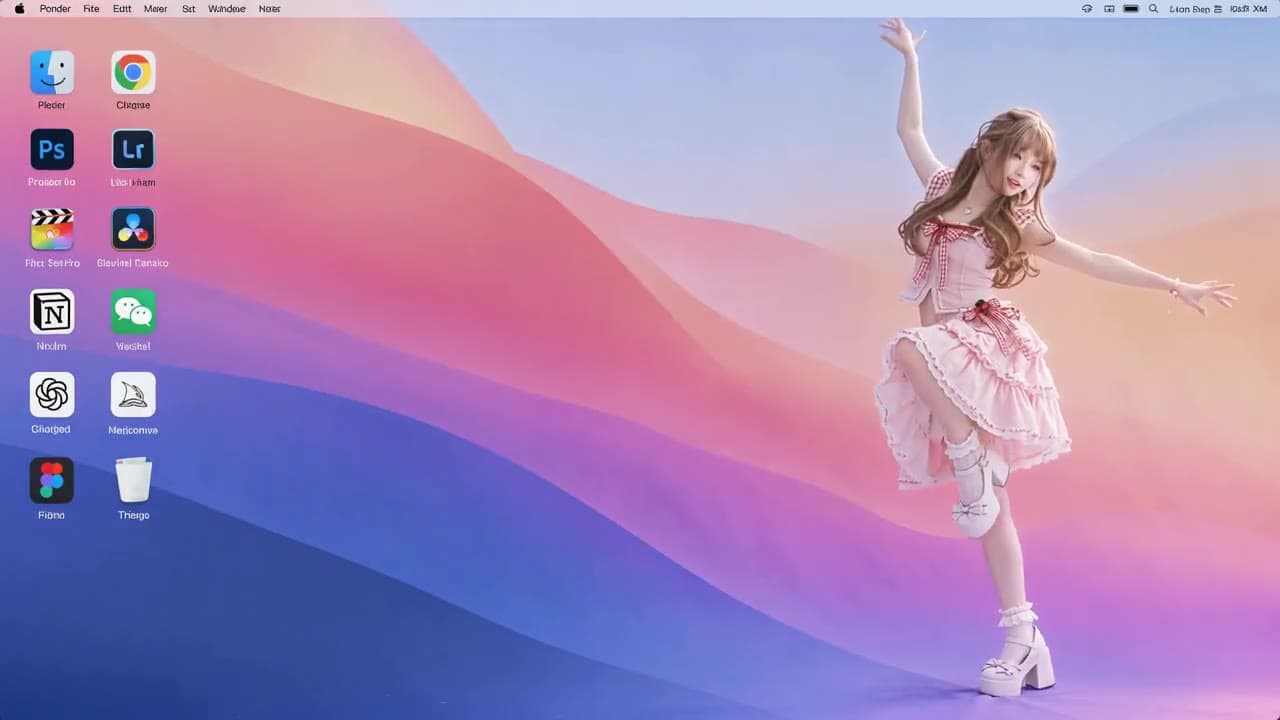
A roughly ten-second landscape video places an anime character in a desktop scene with icons. The post describes preparing a reference clip and character image, then requesting a character replacement.
INSPIRATION
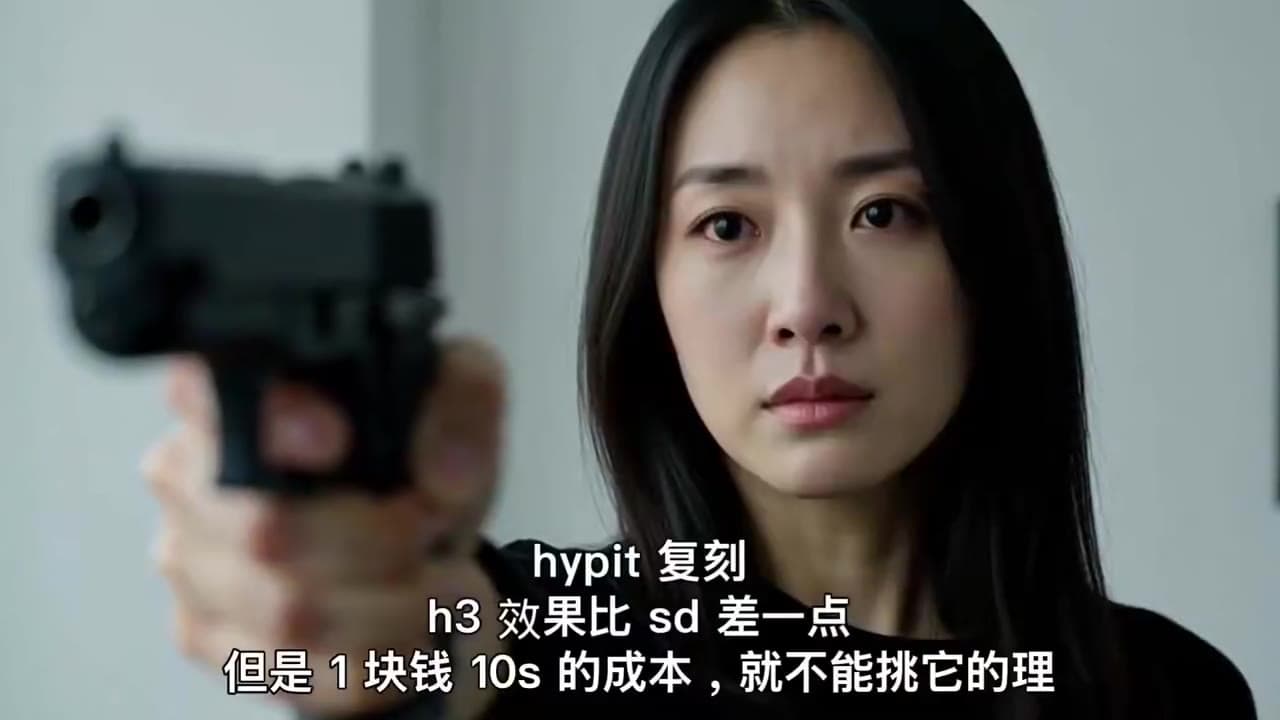
An emotional close-up with a gun carries the creator’s Hypit-remake caption. A dramatic-shot experiment, not a product ad.

INSPIRATION
The creator explicitly labels this roughly 35-second vertical clip as the output. A presenter, gestures and large captions illustrate replacement and pacing; two caption layers remain visible.
INSPIRATION
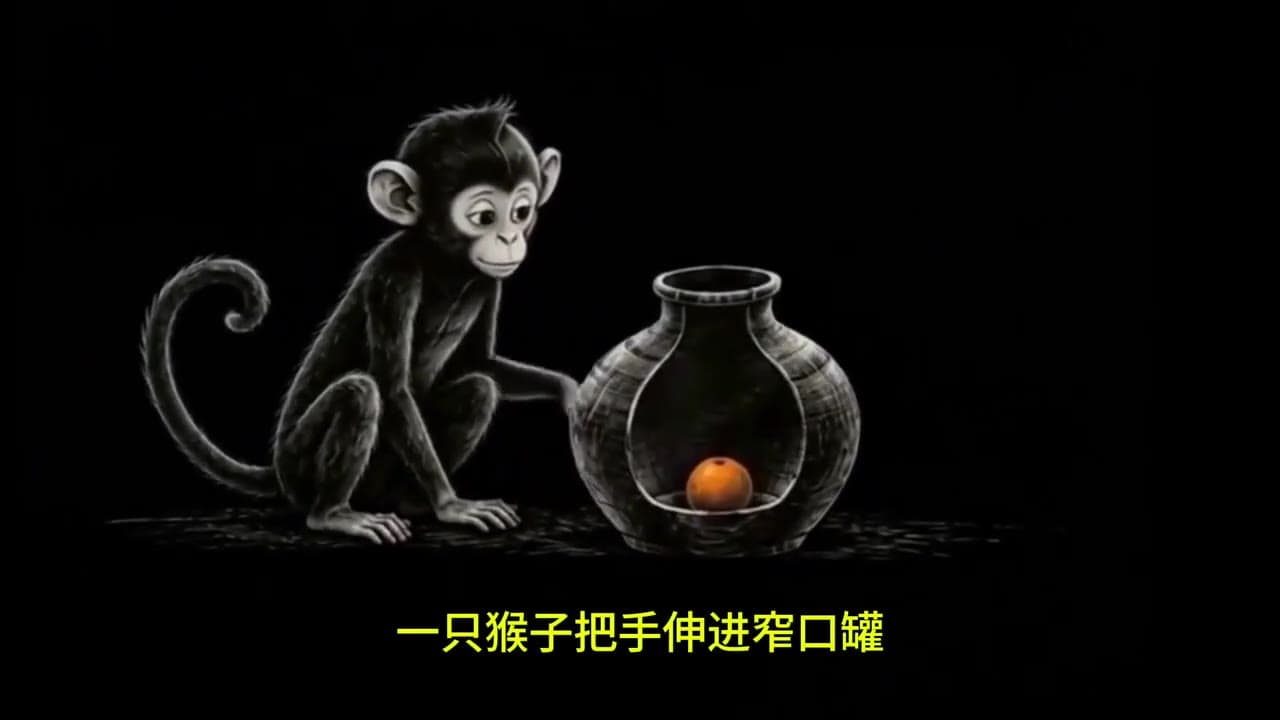
The post describes analysis, image-to-video, narration and assembly, with a monkey-and-jar fable clip. Its quoted 90-second paper-collage tutorial is already in the library and is not duplicated. Costs and model results were not independently reproduced.
INSPIRATION
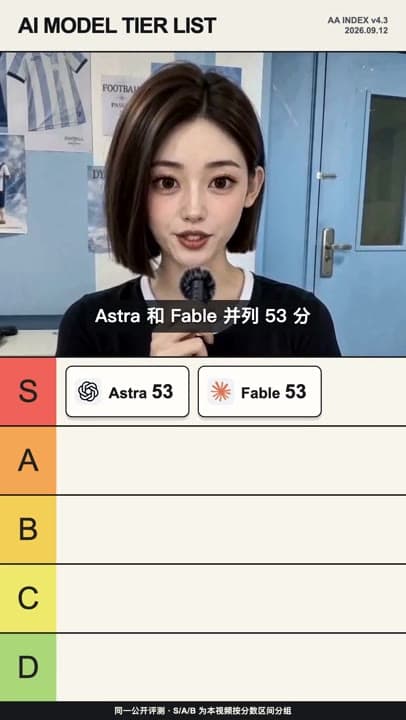
A roughly 12-second vertical export combines presenter, ranking board and captions. Model scores are part of the clip, not this site’s benchmark. The claimed five-minute production time is unverified.

INSPIRATION
A roughly 10-second reference/adaptation comparison shows presenters, picture-in-picture and news collages. The author distinguishes rebuilding shots, layouts and timing from pixel-level identity; the result is not an unconditional guarantee.
INSPIRATION
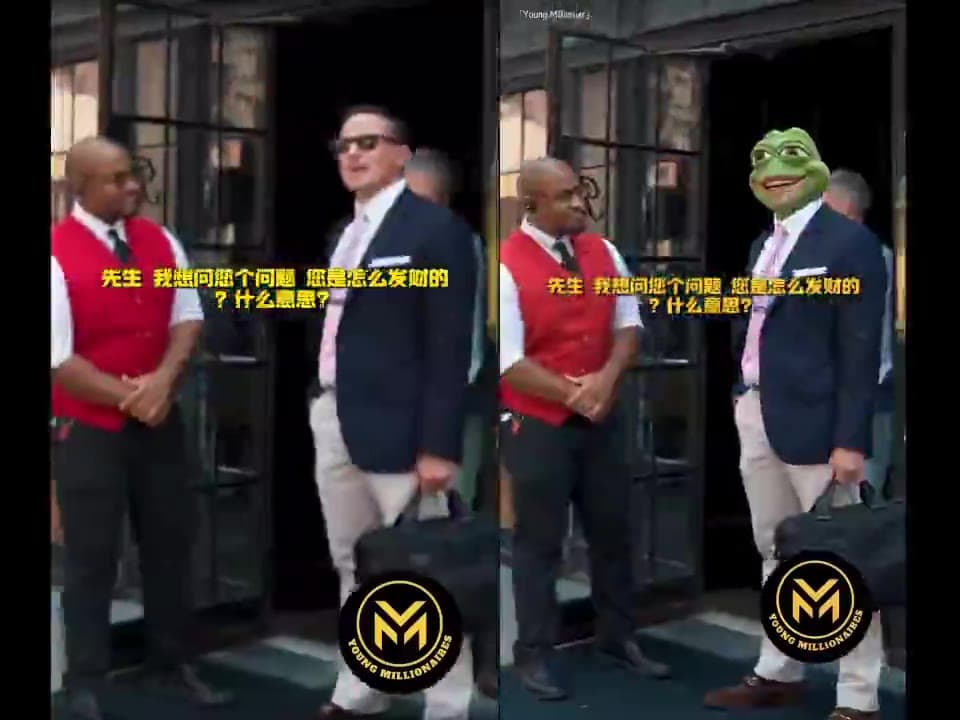
The side-by-side clip compares the original interview with character replacements. The author also reports unstable details and shot structure when switching to product content, with retries increasing cost; this clip does not demonstrate successful product substitution.
INSPIRATION
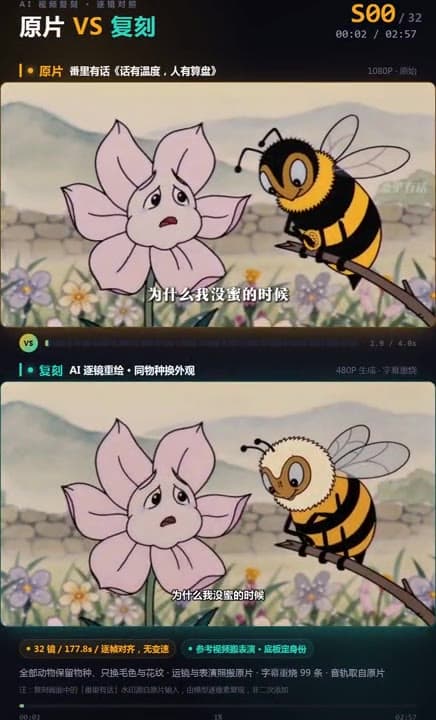
The complete roughly three-minute clip labels reference above and recreation below, showing changes in animals, colour and composition. The reference is not counted as a Hypit output, and the author’s pixel-perfect claim is not adopted.

INSPIRATION
The two attached clips are a female-presenter reference and a male-presenter adaptation. Only the roughly 10-second adaptation is imported as a new output. Claude Code, Grok Build and Hypit are the author-reported tools; usage consumption is not our measurement.

INSPIRATION
A roughly 26-second comparison shows the reference above and adaptation below. The author credits WorkBuddy and WAN; quoted gengdaJ examples already on this site are not duplicated.

INSPIRATION
The left attachment is a job-tool reference and the right a Hypit-topic adaptation. Only the complete eight-second right-hand clip is imported. Code composition and generative-video costs should not be conflated.
INSPIRATION
The follow-up thread credits Hypit for shot scripting and two shots, Vidu for four shots and FFmpeg for the edit and soundtrack assembly. The complete roughly 17-second clip is a mixed workflow, not wholly Hypit-generated; costs are author-reported.
INSPIRATION
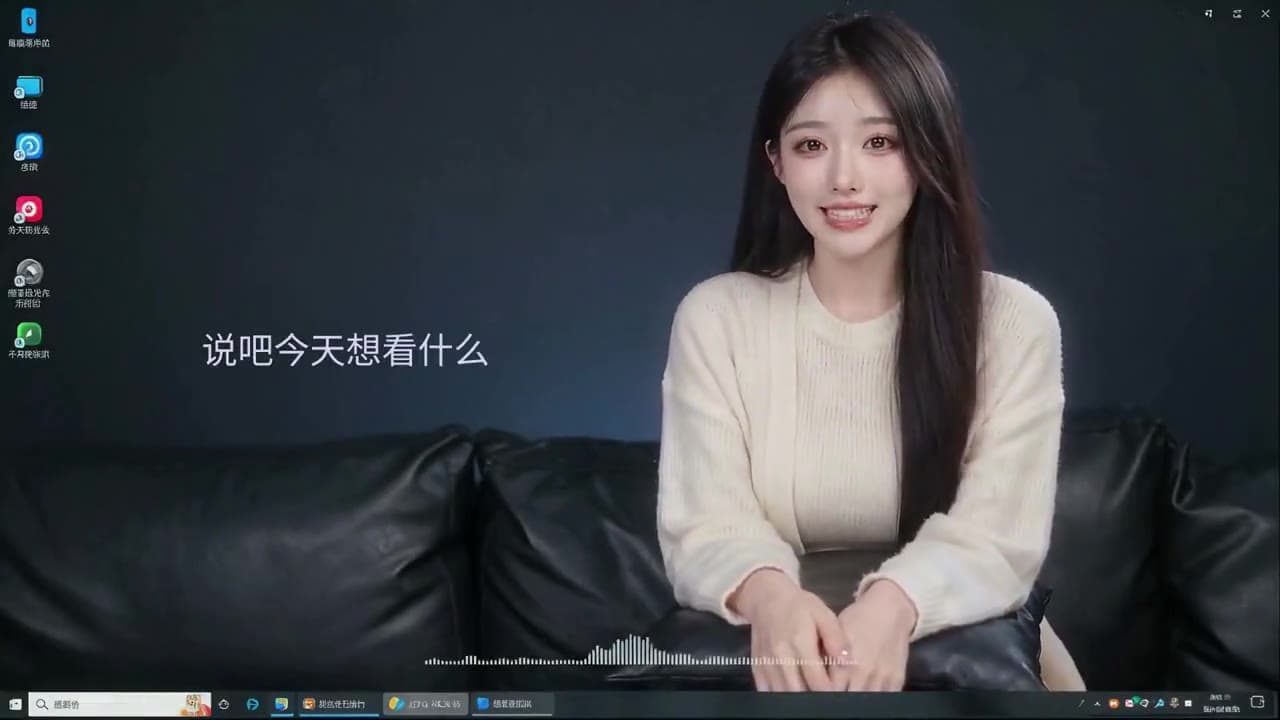
A roughly 30-second desktop playback recording contains two presenter versions. The author describes providing a reference and replacement images through Codex; the million-view claim concerns the reference, not this adaptation.

INSPIRATION
A roughly 30-second clip shows an anthropomorphic golden retriever crafting outdoors. The post links a YouTube reference and stresses the need for human creativity and revision. A playable result does not establish production readiness.

INSPIRATION
The complete 27-second product promo sequences cards, a timer and creation tasks. The author credits Codex and Hypit with an Apple-inspired style; this implies no Apple partnership or endorsement.

INSPIRATION
A Codex + Hypit creation shared by its author, using a sustained sequence of vertical text cards and narration. The complete video runs for about 5 minutes 16 seconds.
INSPIRATION
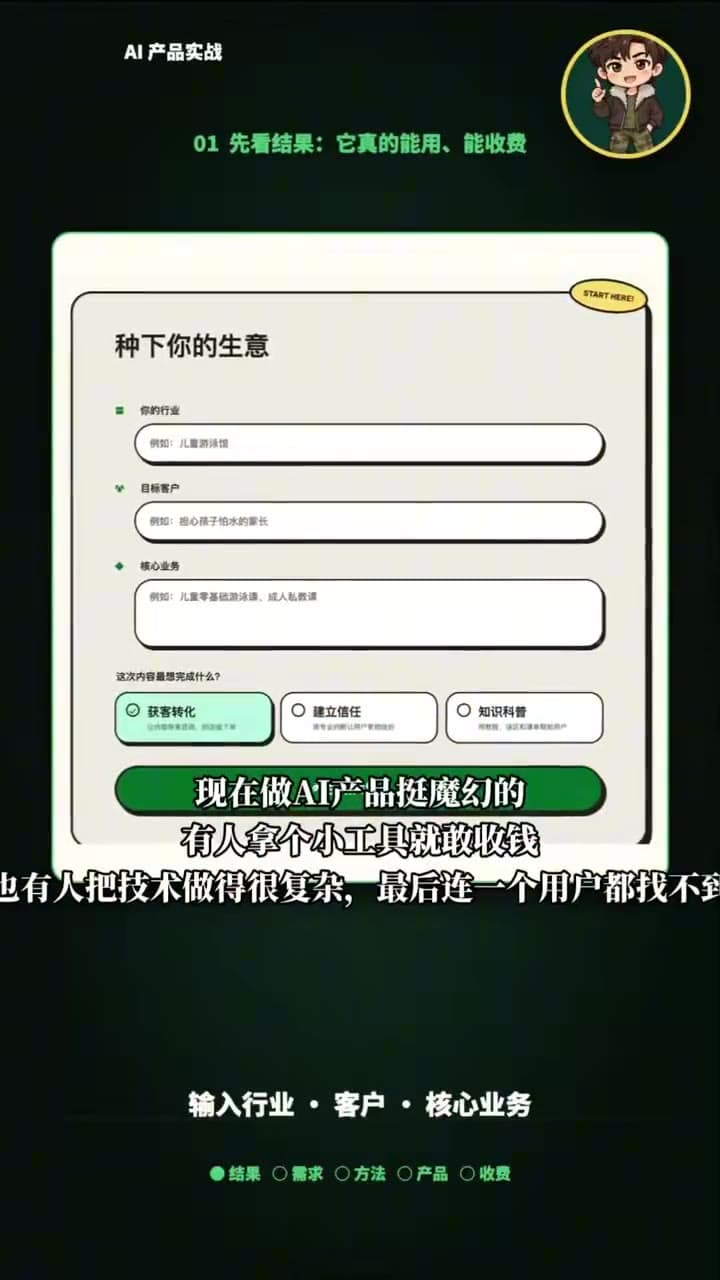
A cartoon presenter links vertical illustrated cards, source footage and Chinese captions in an AI-product explainer. The creator credits Hypit for editing and AI assets.
INSPIRATION
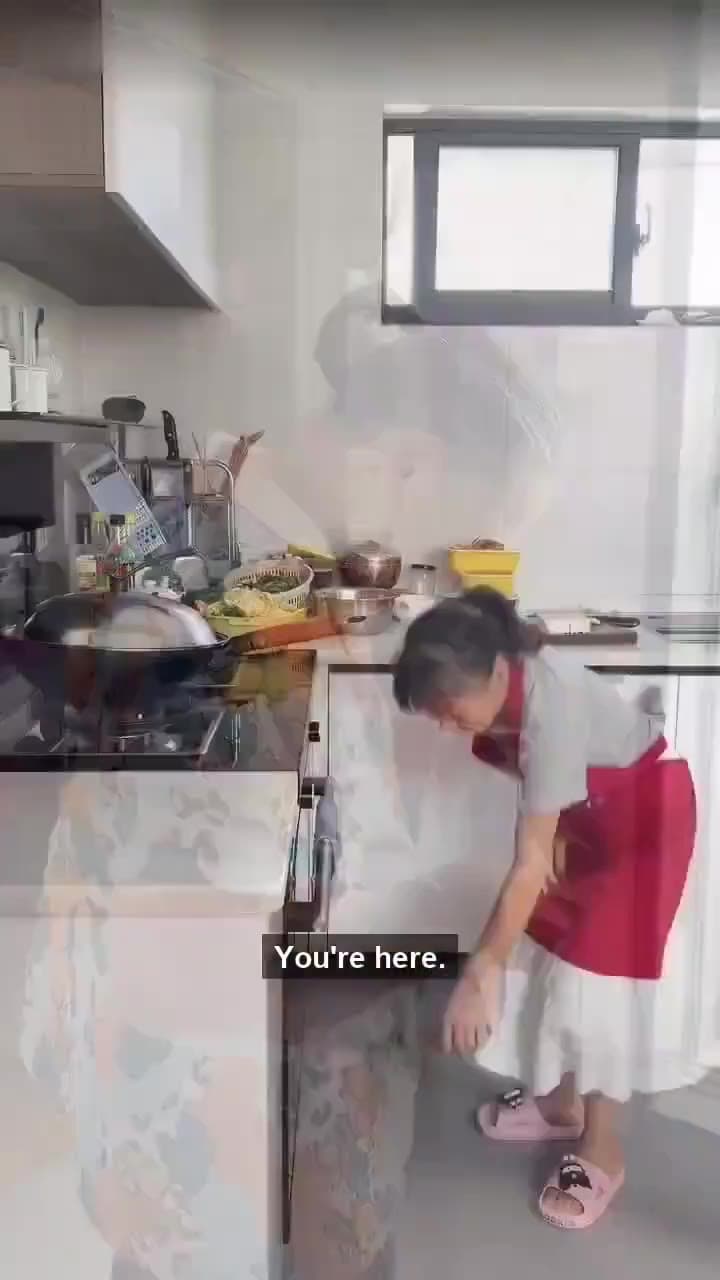
A vertical lifestyle and kitchen vlog with English captions. The creator describes translated narration with retained conversation and ambience; Chinese-caption remnants are still visible.

INSPIRATION
Ten seconds of reference and web prototype side by side: avatars change along an arc, then a photo picker rises.

INSPIRATION
A complete forty-second conversation with two seated speakers, a retro room, tea table, captions and opening/closing cards.
INSPIRATION
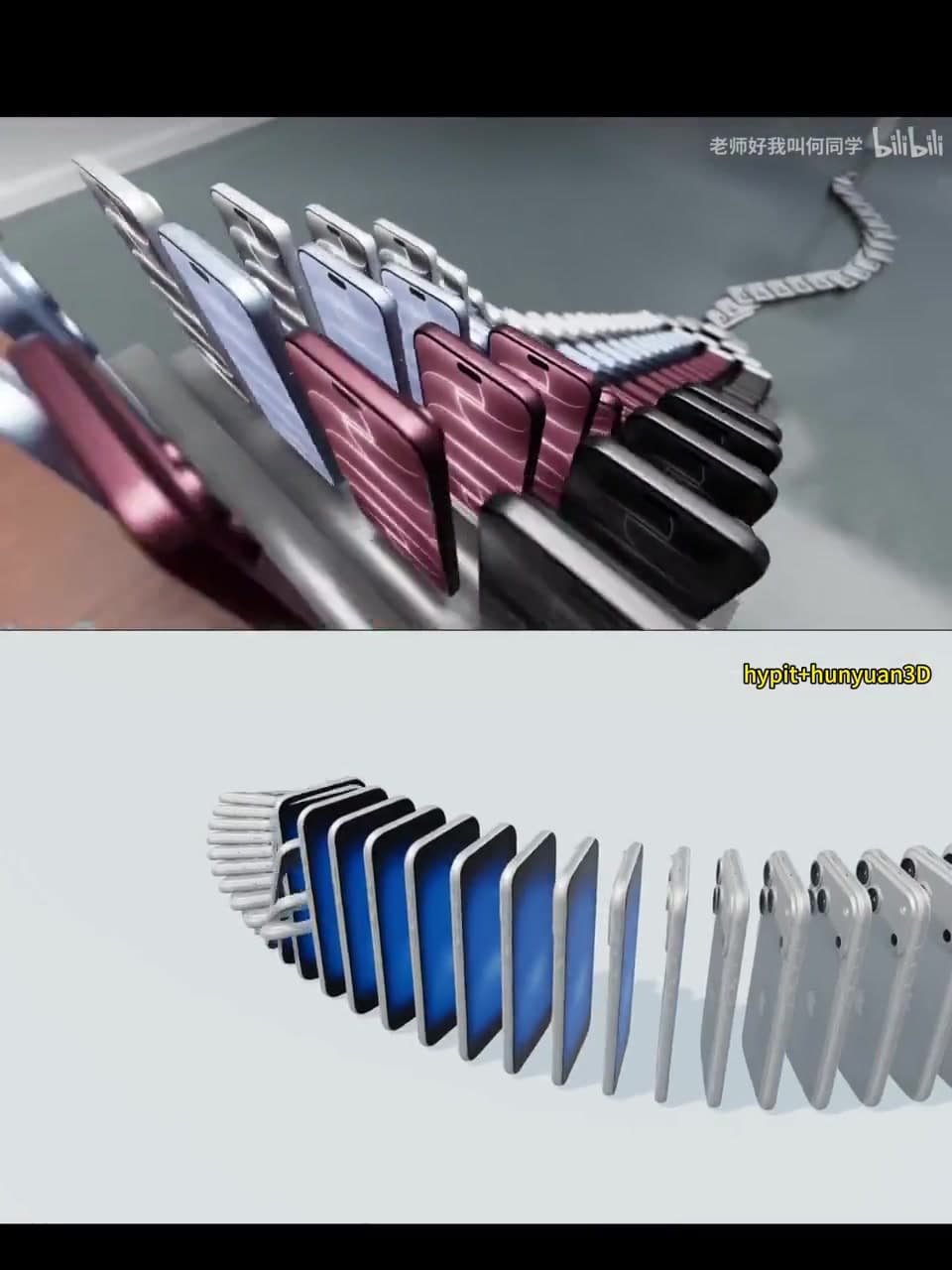
A four-second reference/reconstruction comparison of toppling phones, changing arrays and a multi-colour product ending. The creator credits Hypit and Hunyuan 3D.

INSPIRATION
A close-up opens into a full dance formation. Adapt the characters, outfits and entrance setting.

INSPIRATION
Burgundy, rust, blue-grey and pale-green outfits change with matching fabric swatches. Use your model and clothing collection.
INSPIRATION
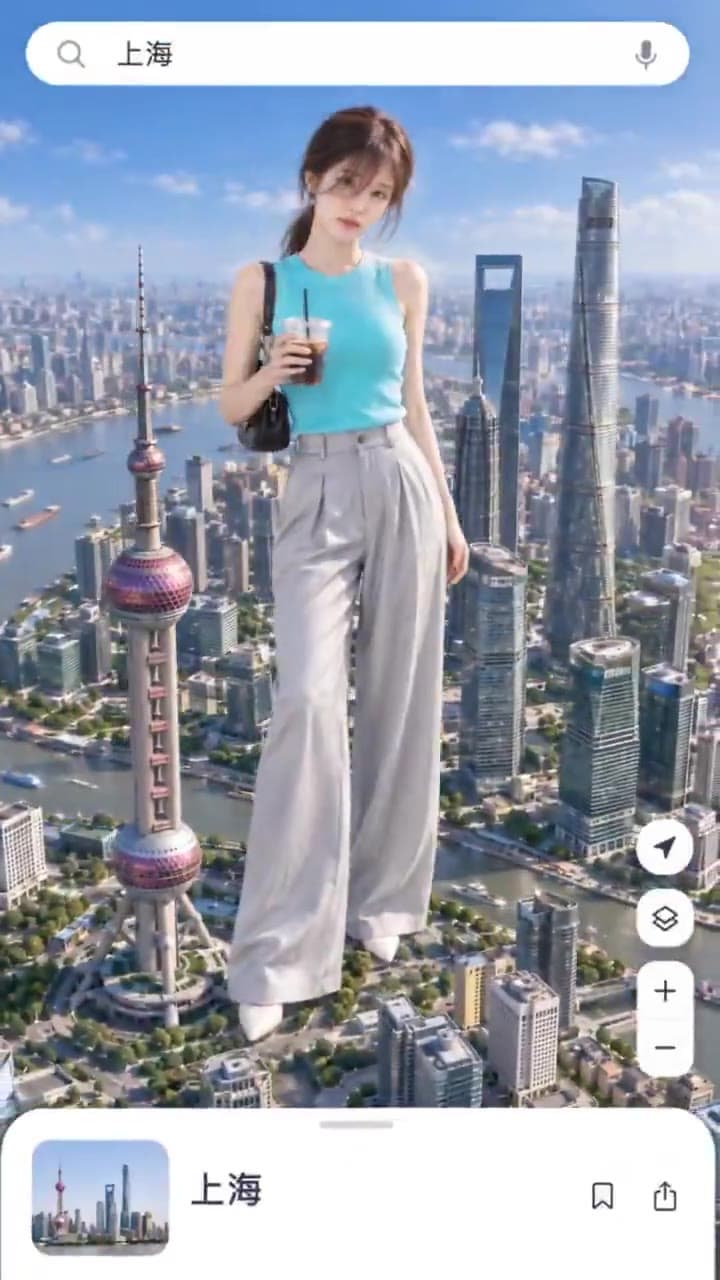
A location pin introduces Shanghai, London, New York and Tokyo, with an outfit change in each city. Use your destinations and character.

INSPIRATION
JAXX’s Hypit + MiniMAX H3 version connects four cities and outfits through map cards. Compare it with the other creator’s travel version.
INSPIRATION
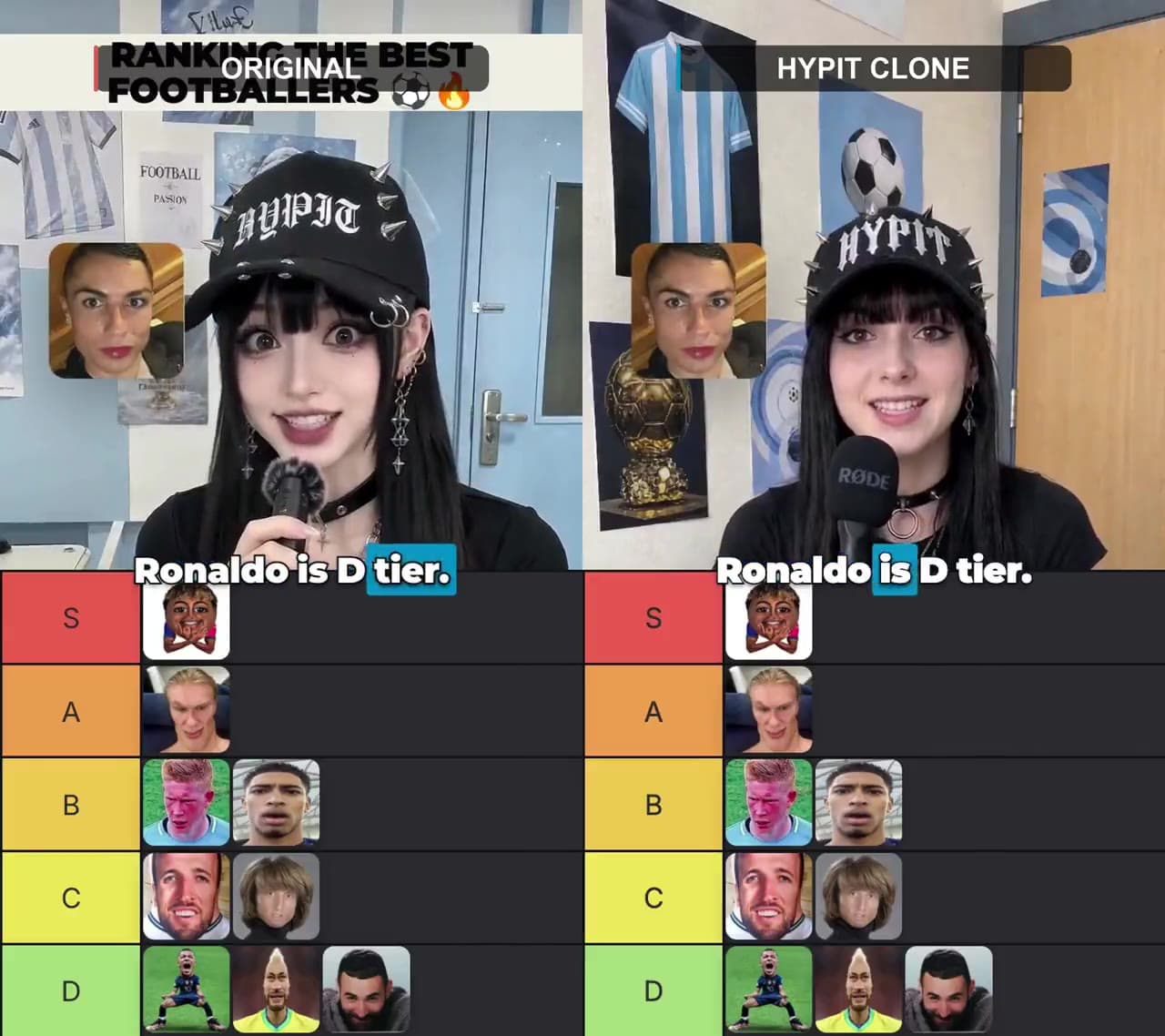
Use permitted character assets and your ranking criteria in this side-by-side format.
INSPIRATION
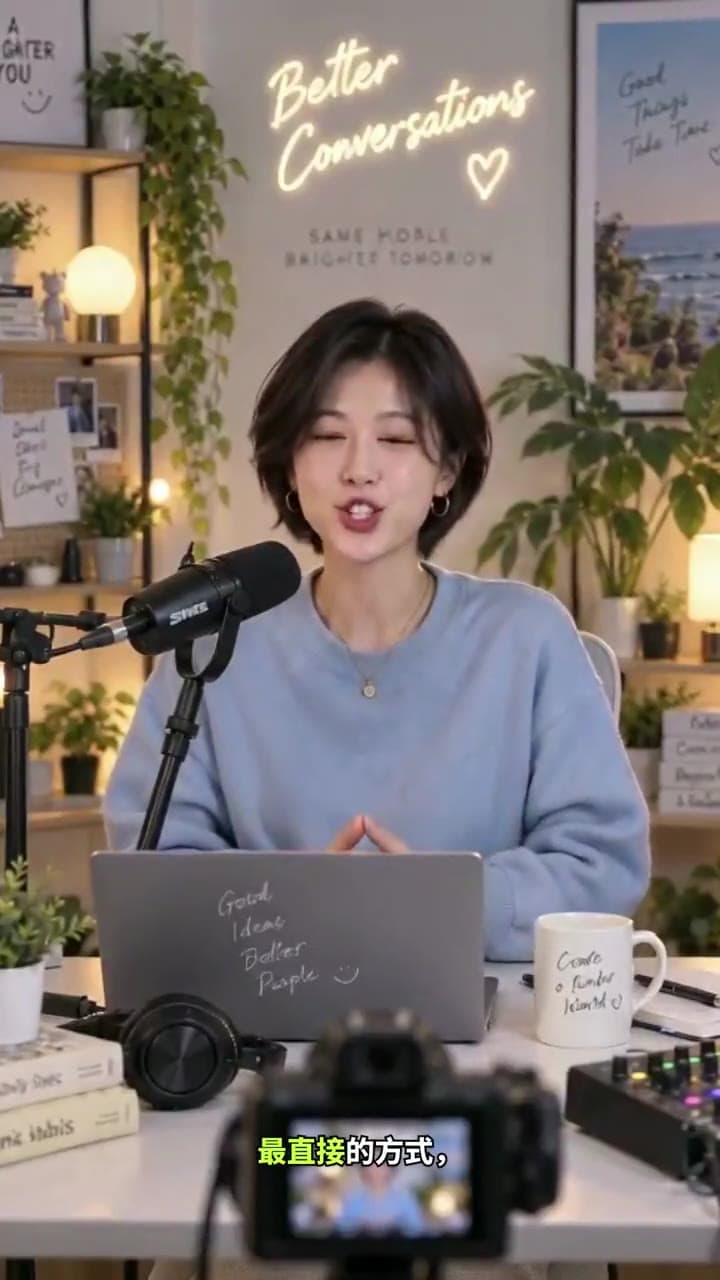
See a presenter, captions and supporting visuals form a complete vertical video.
INSPIRATION
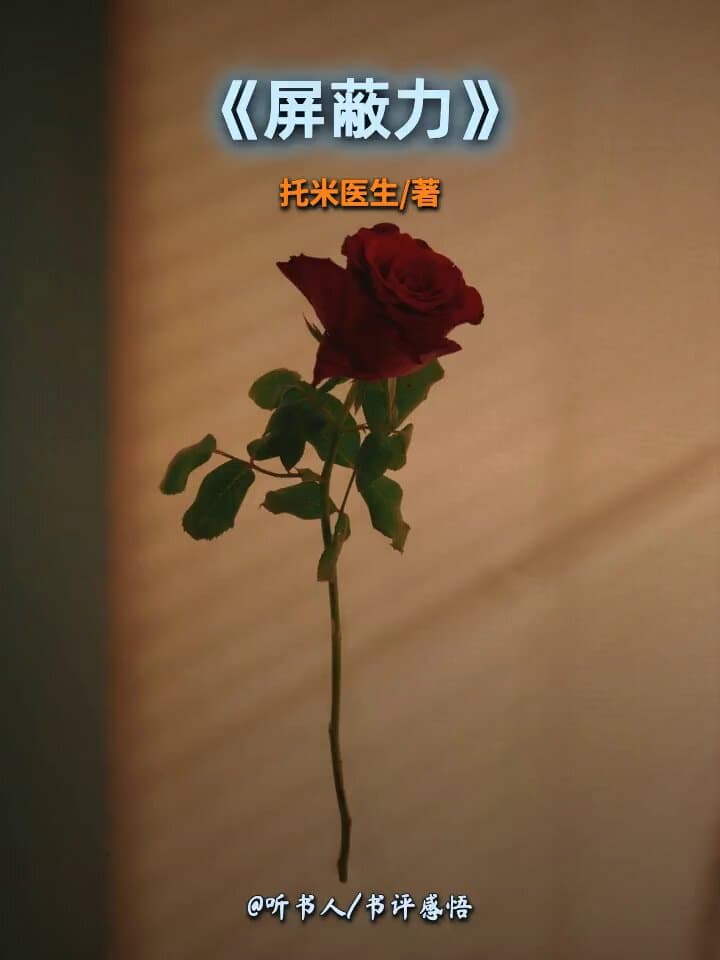
Use your book, script and visuals in this vertical format.

INSPIRATION
Make a playful ranking video with your favourite pets and topic.
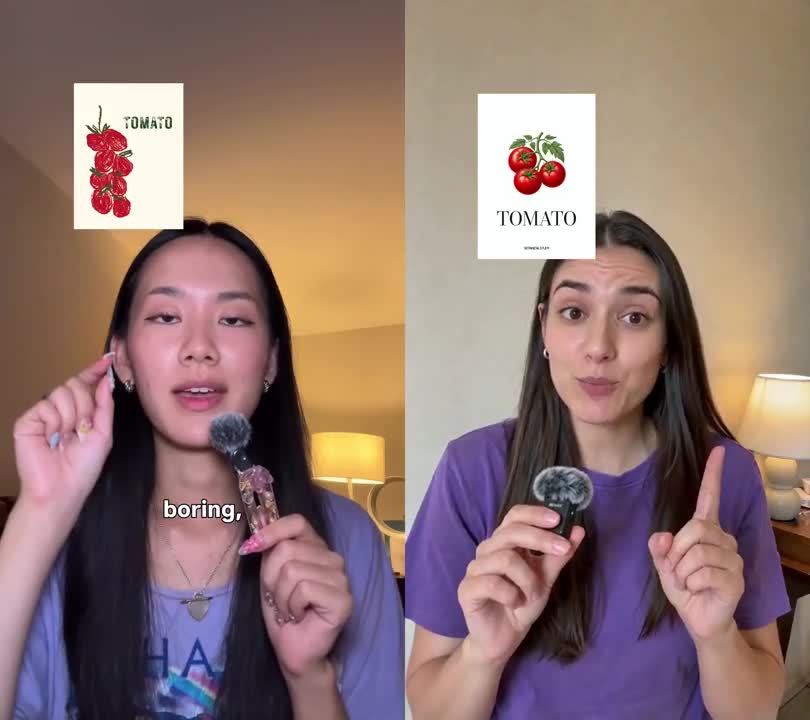
INSPIRATION
Tell your story with your own presenter and script.
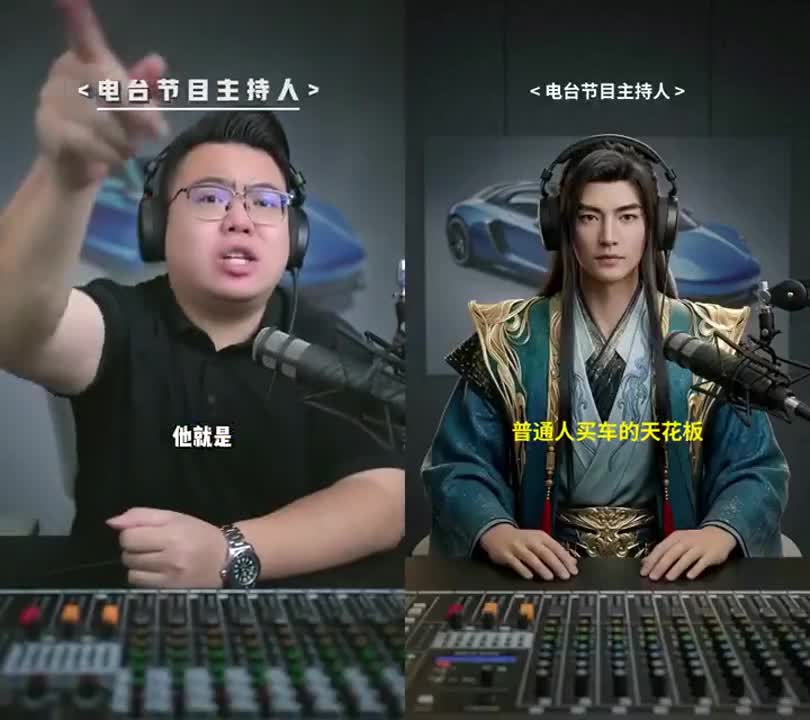
INSPIRATION
Bring your message to a virtual character with the same pacing.
Explore the complete walkthroughs behind the videos.
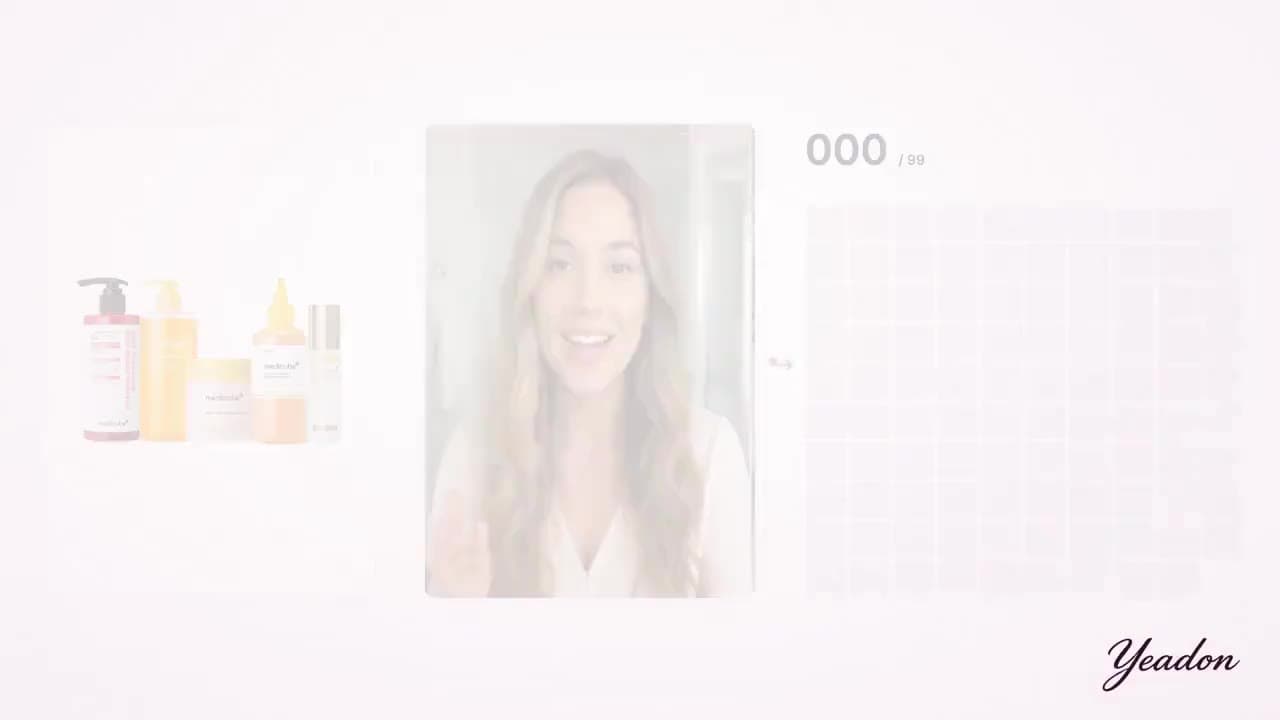
TUTORIAL
A 26-second demonstration combines a product card, presenter and avatar grid to visualise product-to-presenter matching. The author credits a Hypit reference and links a project.

TUTORIAL
A roughly three-minute vertical explanation intercuts a cat ranking and post screenshots while discussing references, character replacement and model calls. This is commentary with examples, not a three-minute generated export.
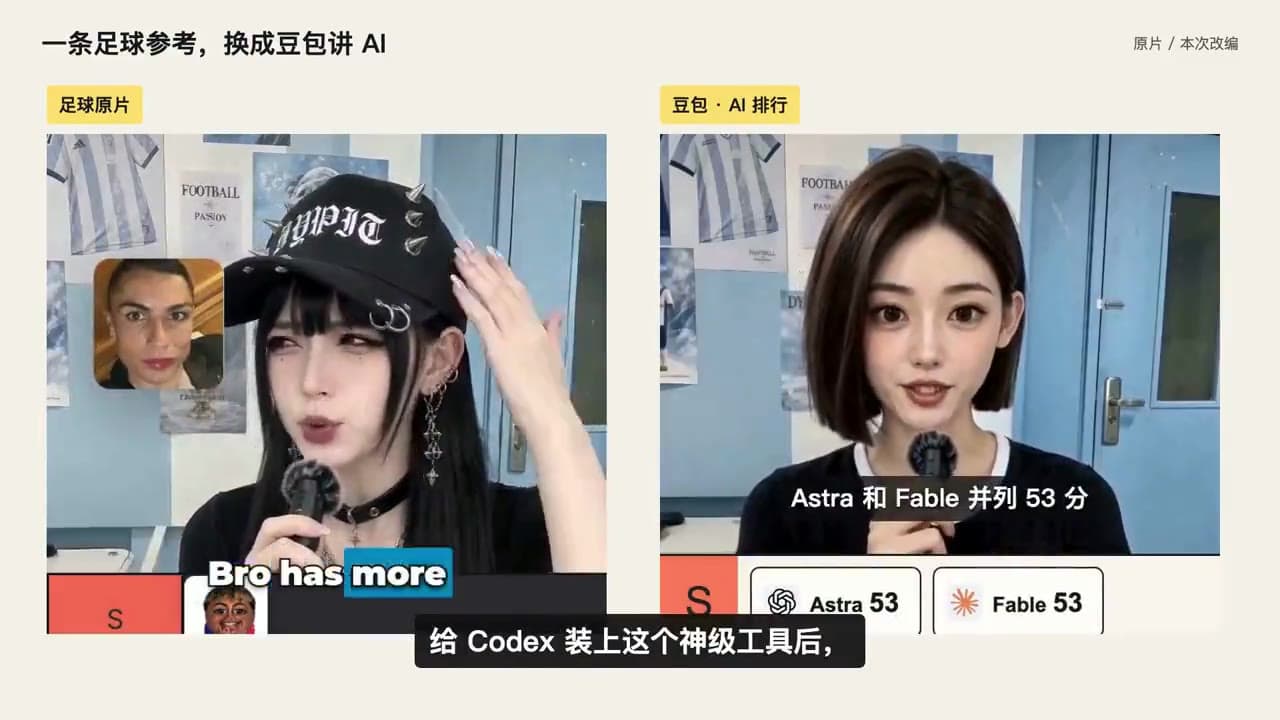
TUTORIAL
The complete walkthrough includes a football reference, an AI-topic adaptation, agent operations and sidebar changes. Reference and adaptation are distinct; records 11 and 12 belong to the same production series.
TUTORIAL
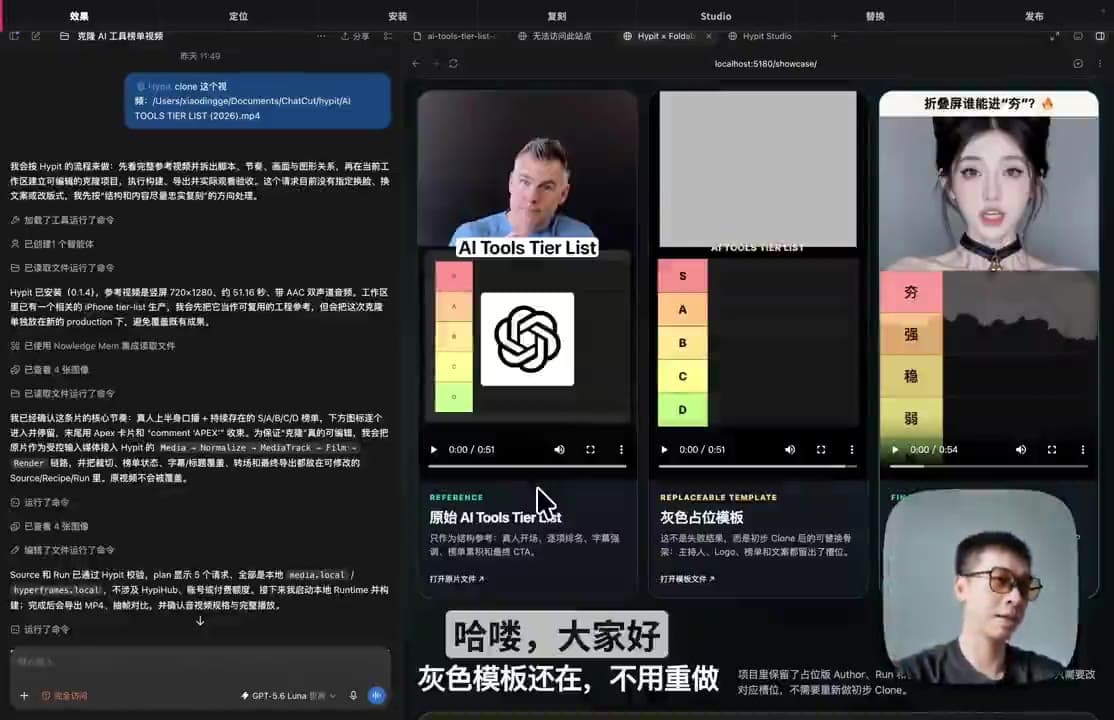
A roughly 11-minute-40-second recording covers the reference, presenter replacement, ranking edits and project operations. The post labels paid partnership, disclosed here as well; the reference AI-model ranking is not the new phone ranking.
TUTORIAL
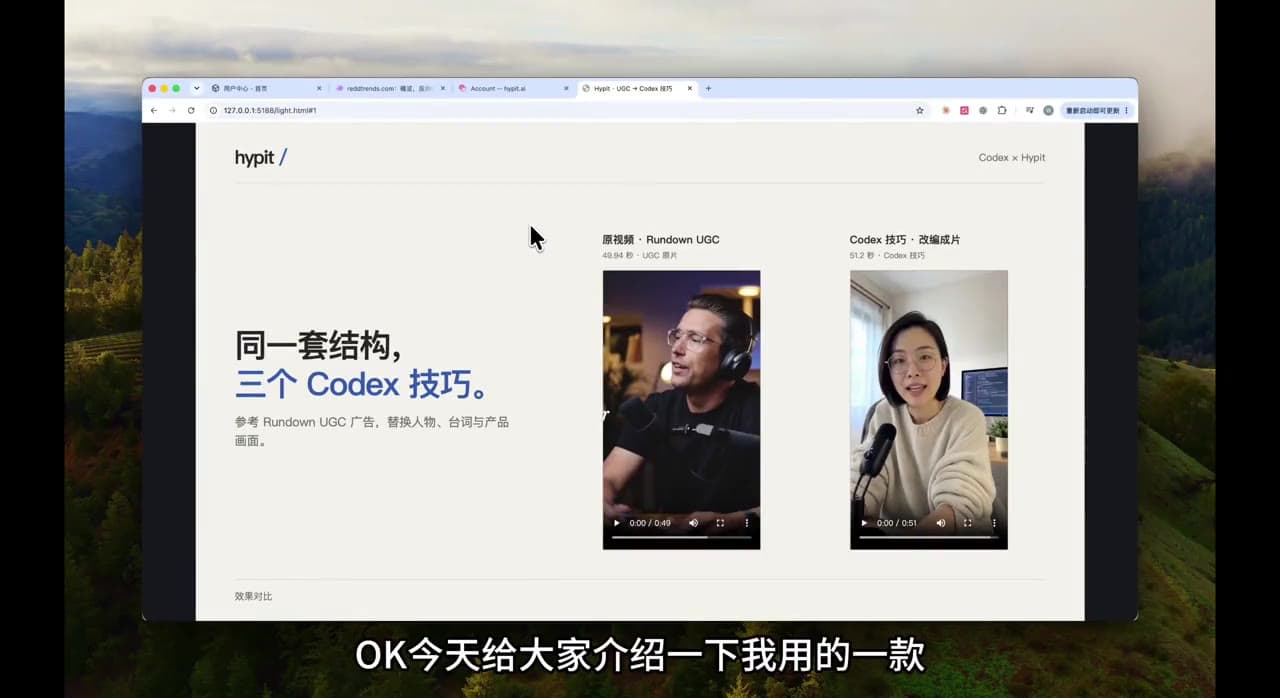
The complete roughly 5-minute-38-second recording begins with reference/adaptation comparisons, then shows SVML configuration, captions, asset reuse and Studio. Recording length is not generation time.
TUTORIAL
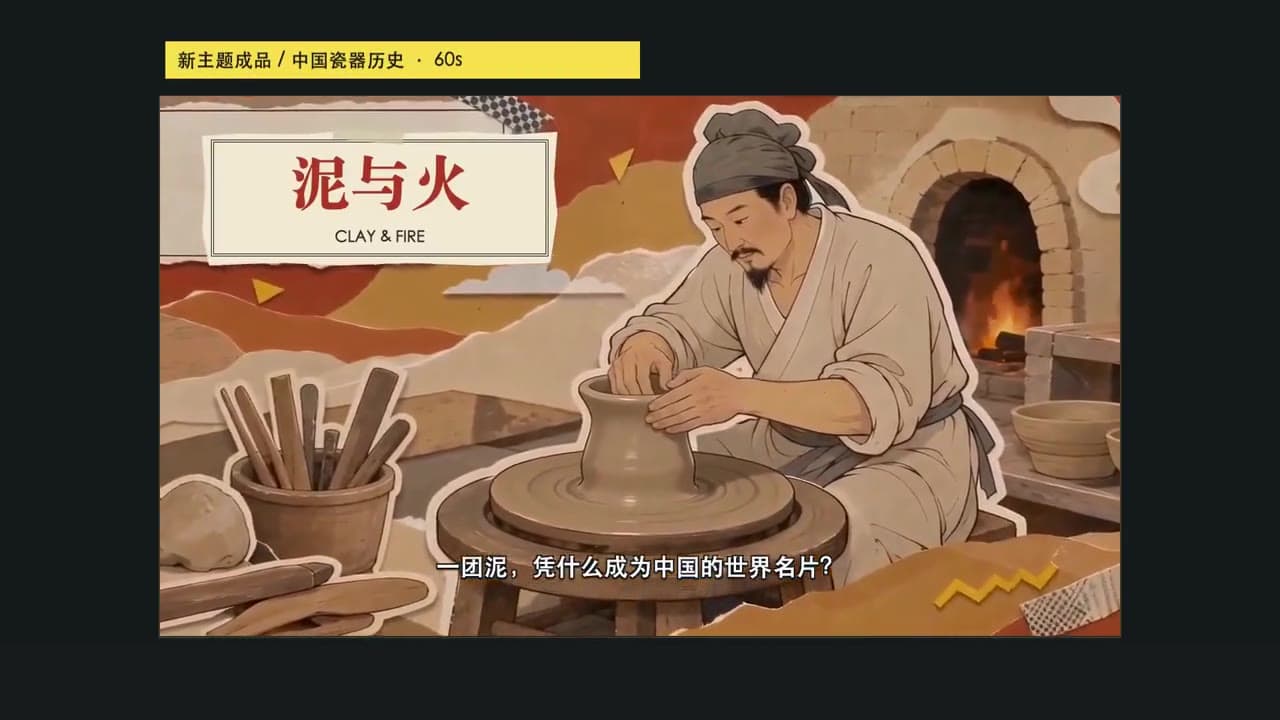
A 90-second walkthrough combines reference/adaptation comparisons, agent operations, a Studio timeline and process cards to show a visual style reused for a new topic.
TUTORIAL
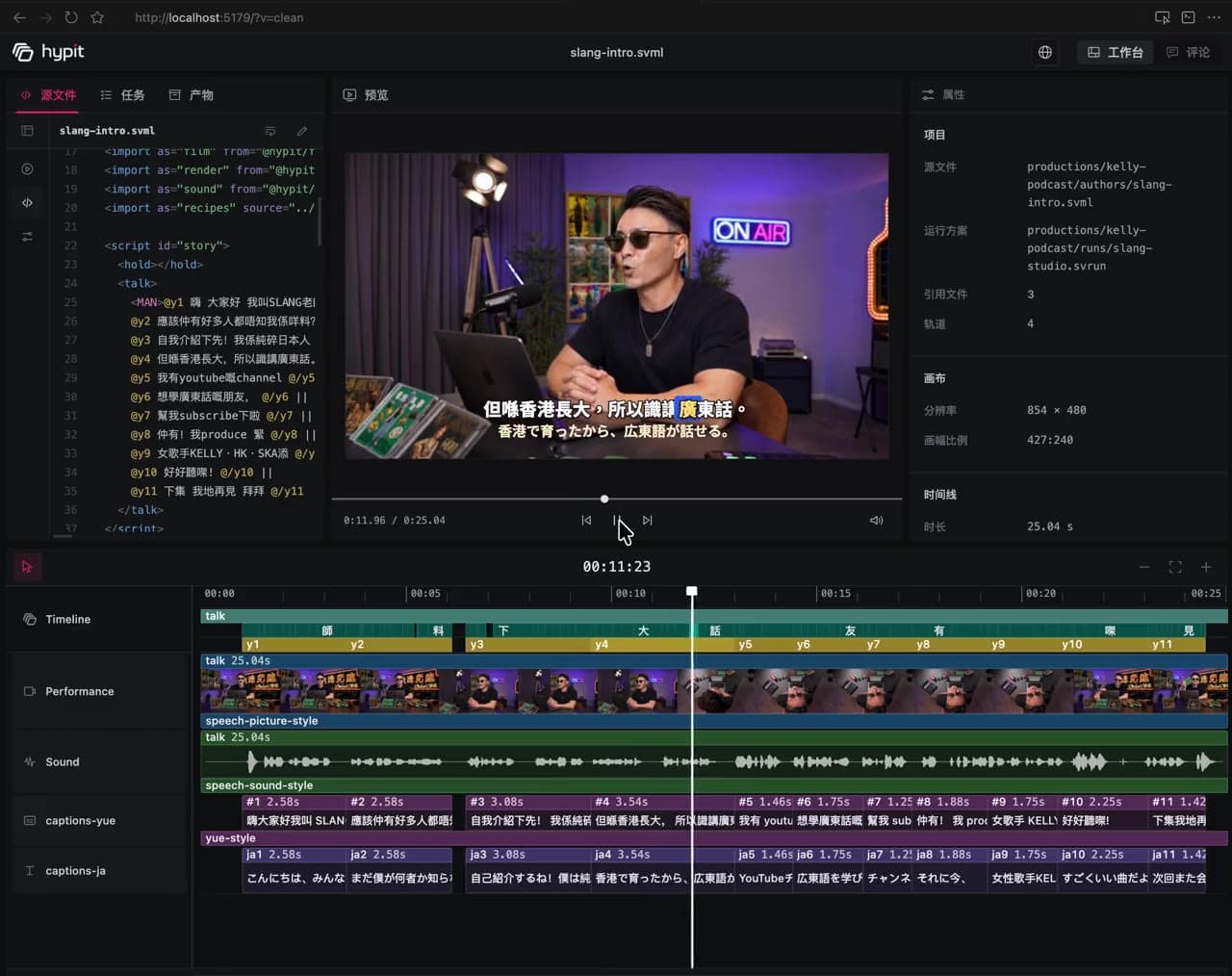
A roughly 26-second Studio recording shows a solo presenter alongside code, multiple timeline tracks, audio and captions. This is a project demonstration, not a clean final export.
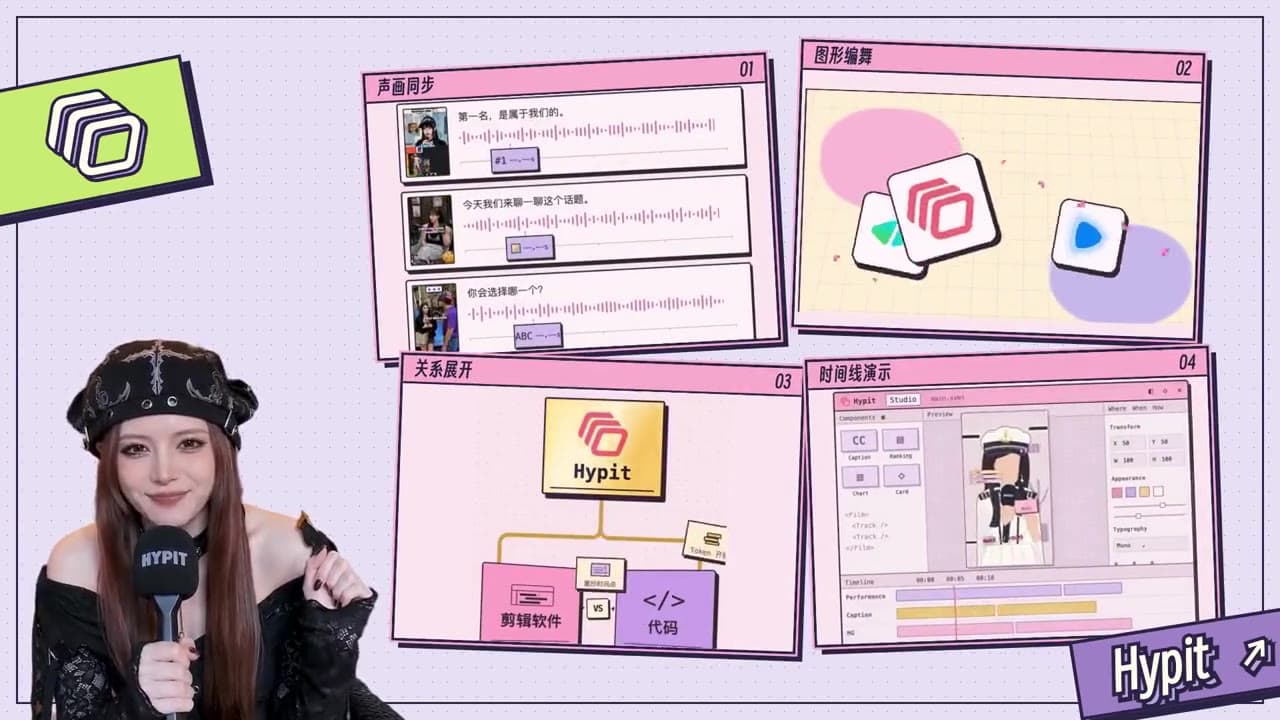
TUTORIAL
A roughly 53-second official tutorial combines a presenter with workflow screens to explain video variants and the Studio entry point. Browse it as a walkthrough rather than a standalone result.
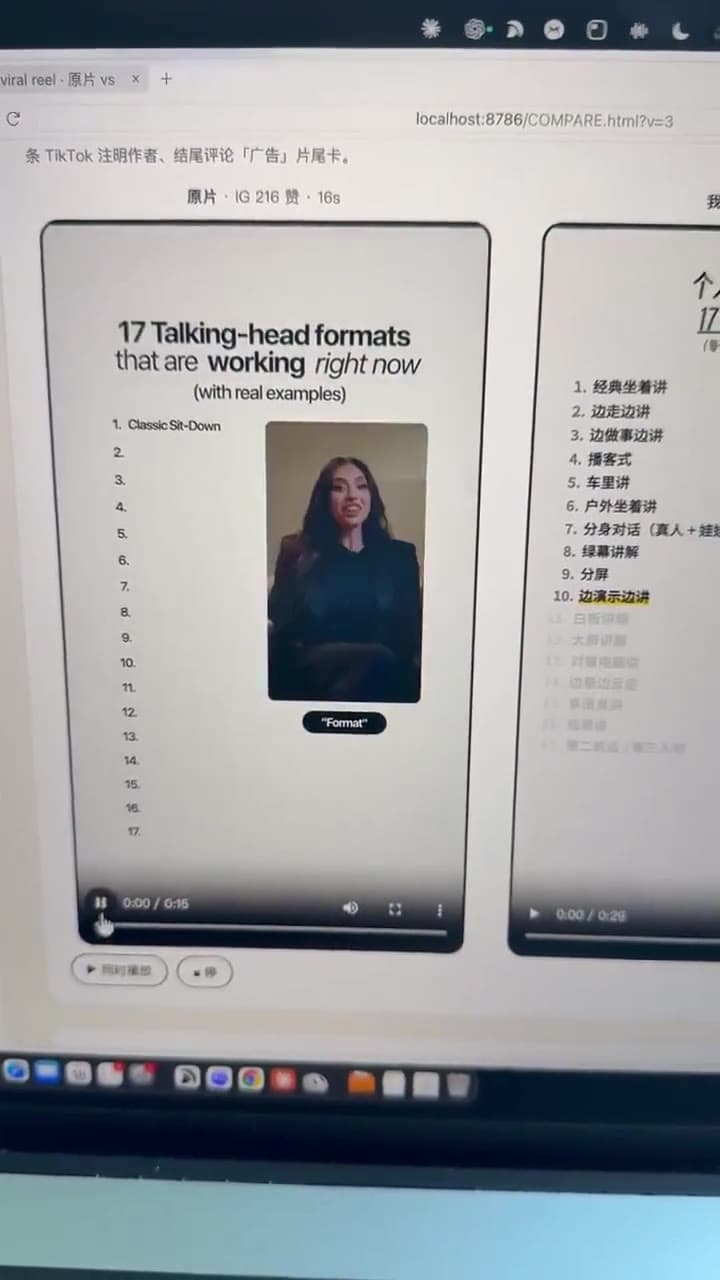
TUTORIAL
Watch an English reference adapted into Chinese narration with list highlights, example cards and captions.
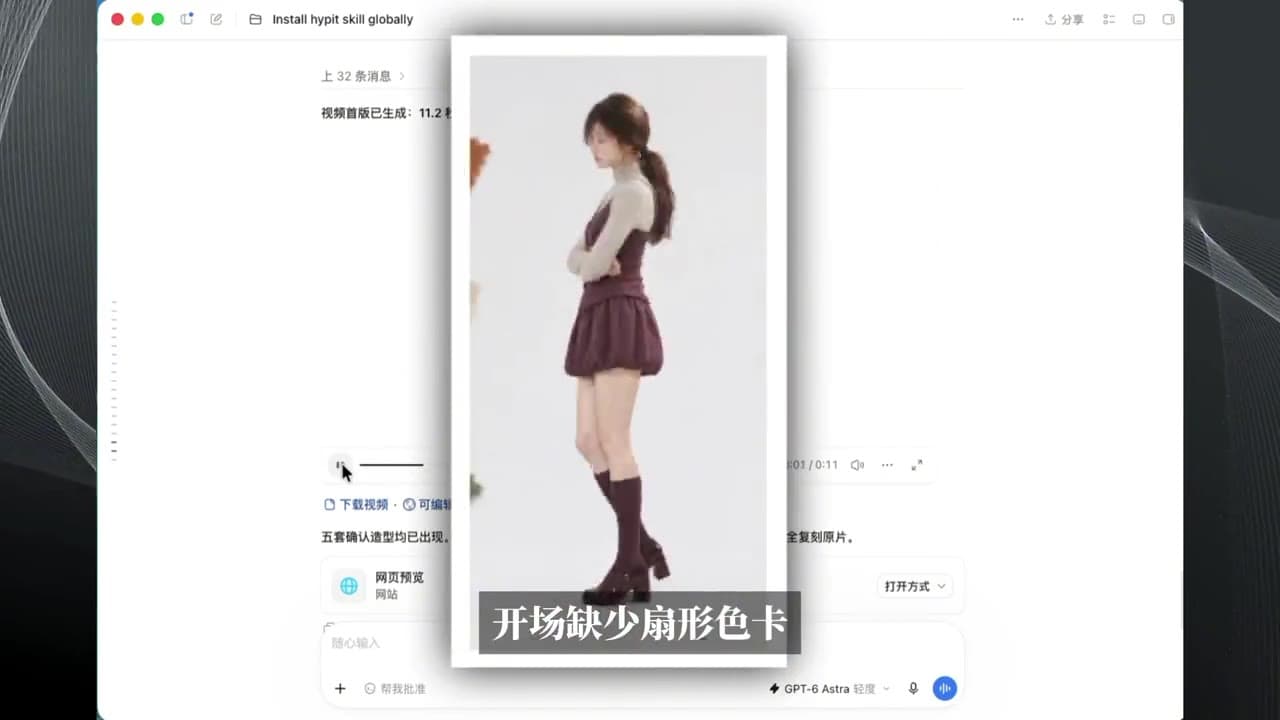
TUTORIAL
The creator’s recording covers Skill setup, reference footage and character input, still-image approval, motion generation and project preview.
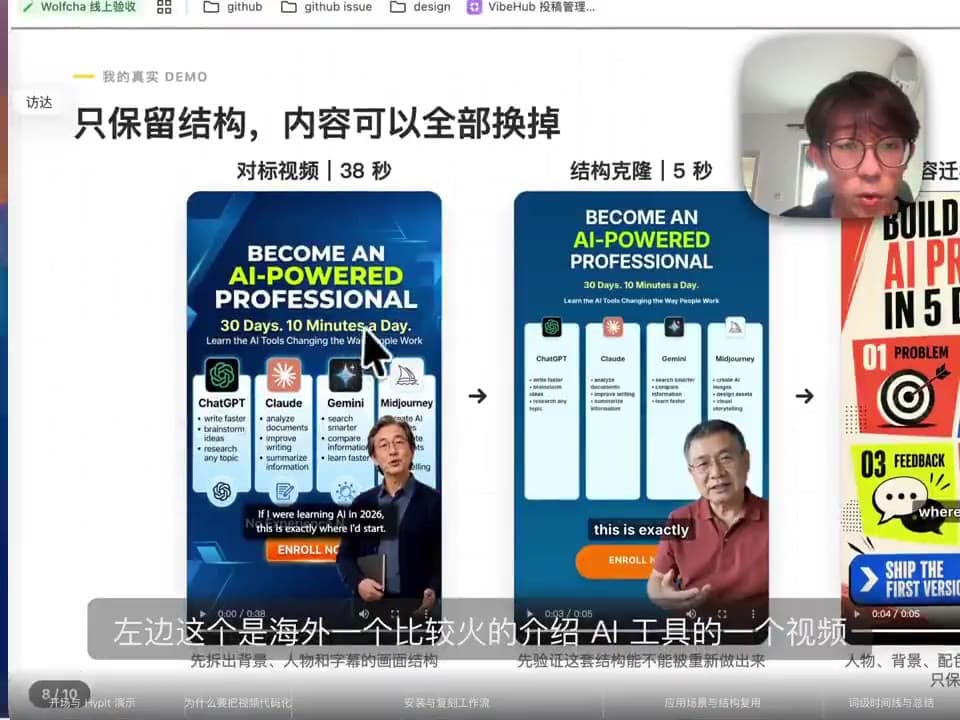
TUTORIAL
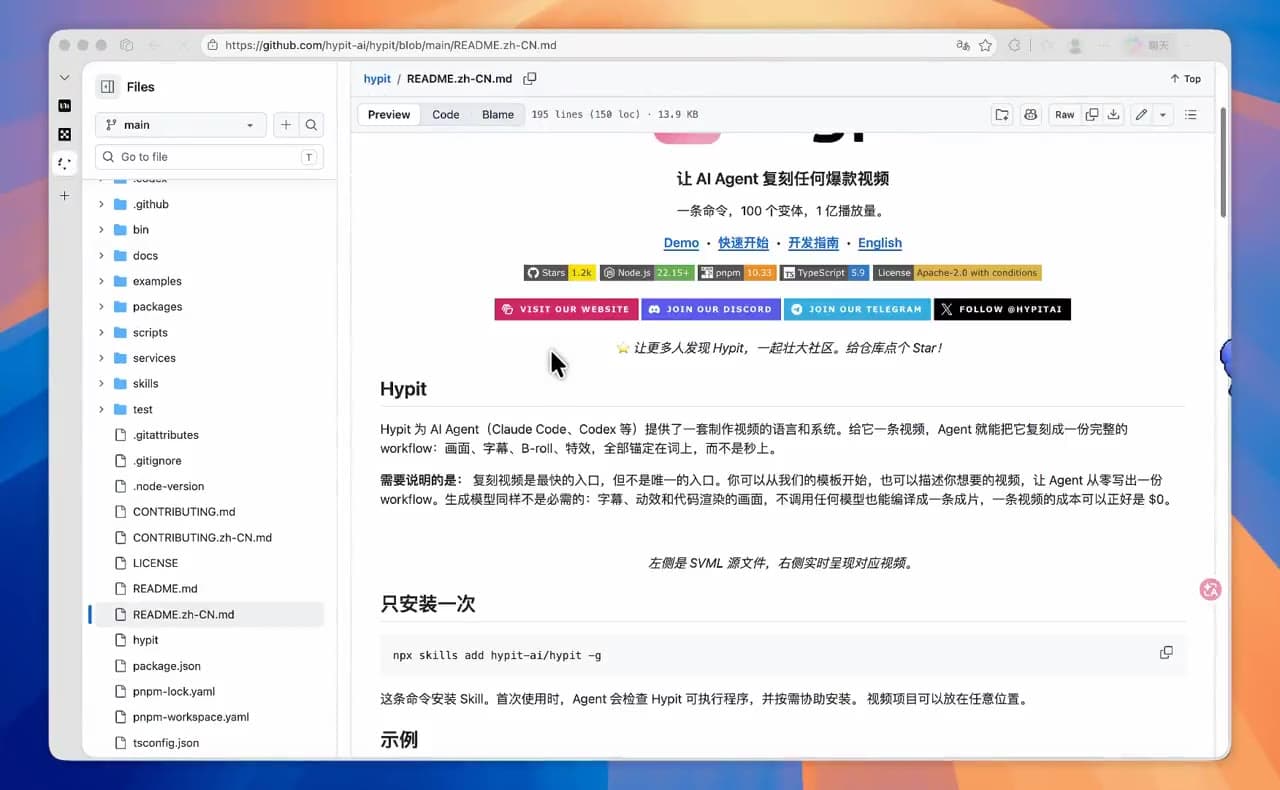
Understand source files, video components, preview and custom workflows.
TUTORIAL
Plan inputs for ads, content series, courses, localisation and more.

TUTORIAL
See a price-comparison structure become a Chinese product video with presenter, board and language variants.

TUTORIAL
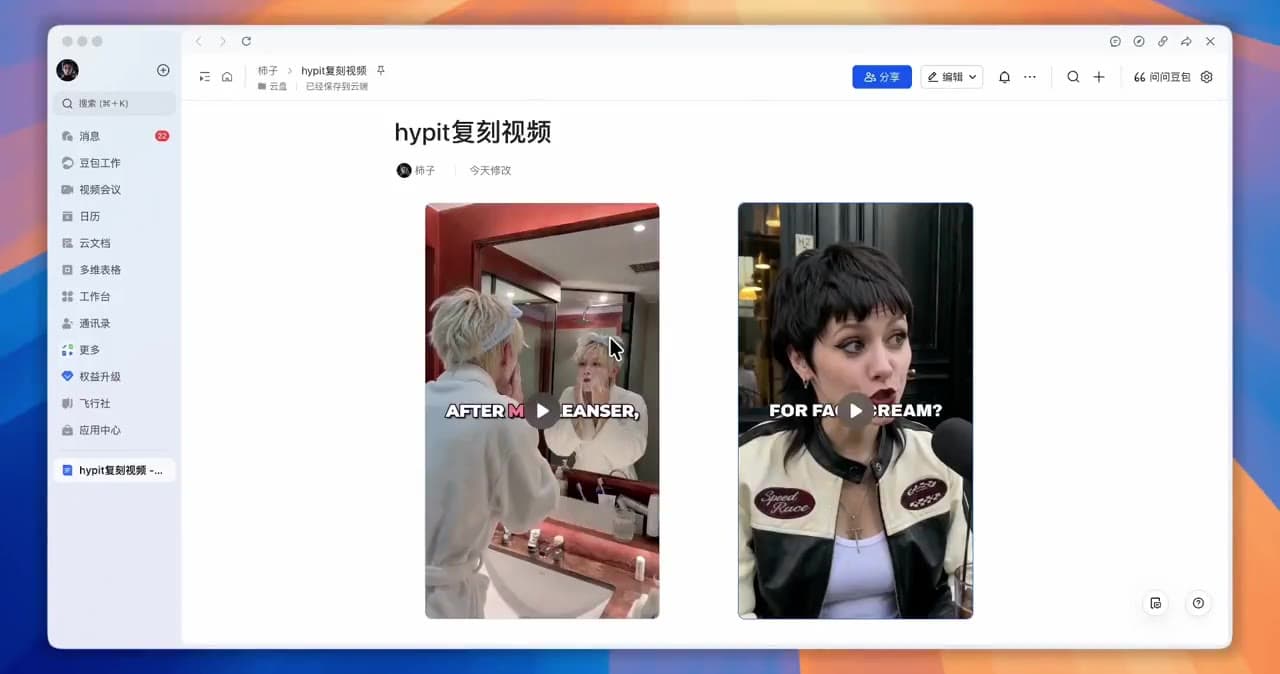
Compare the structure with the 56-second result; this is the reference input, not a Hypit output.
TUTORIAL
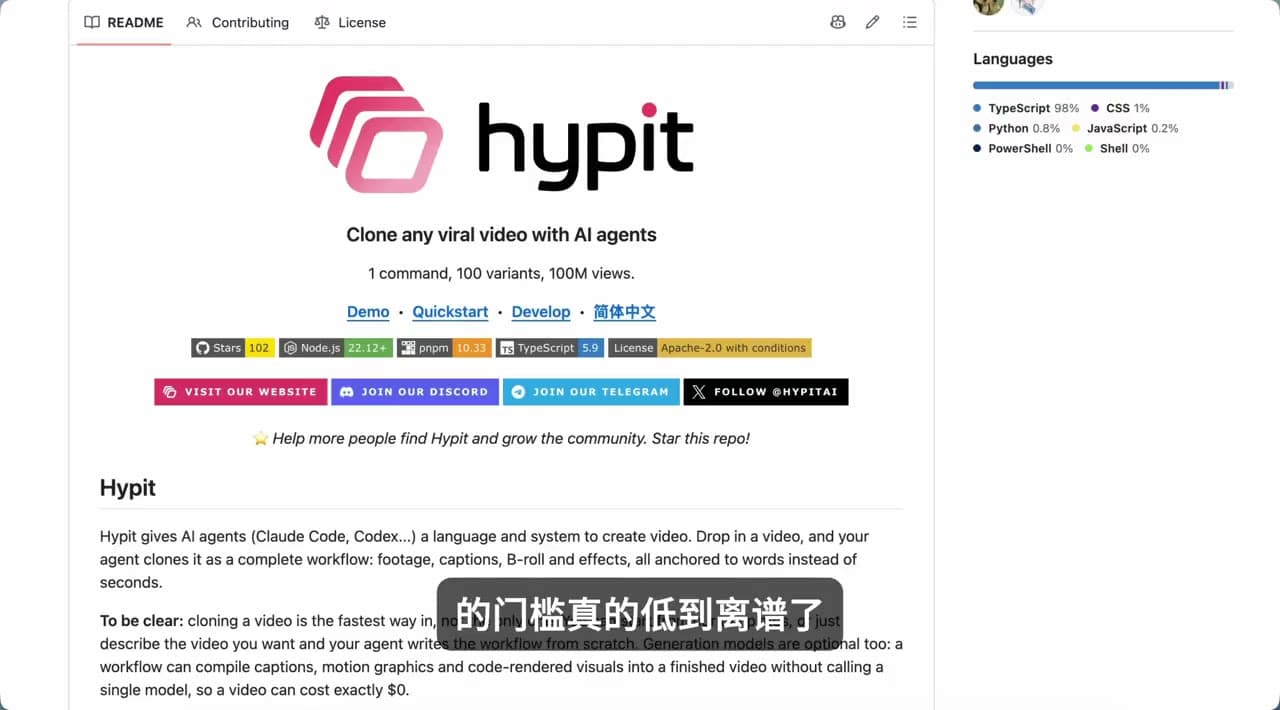
See a first project retained while presenter-dependent assets are rebuilt.
TUTORIAL
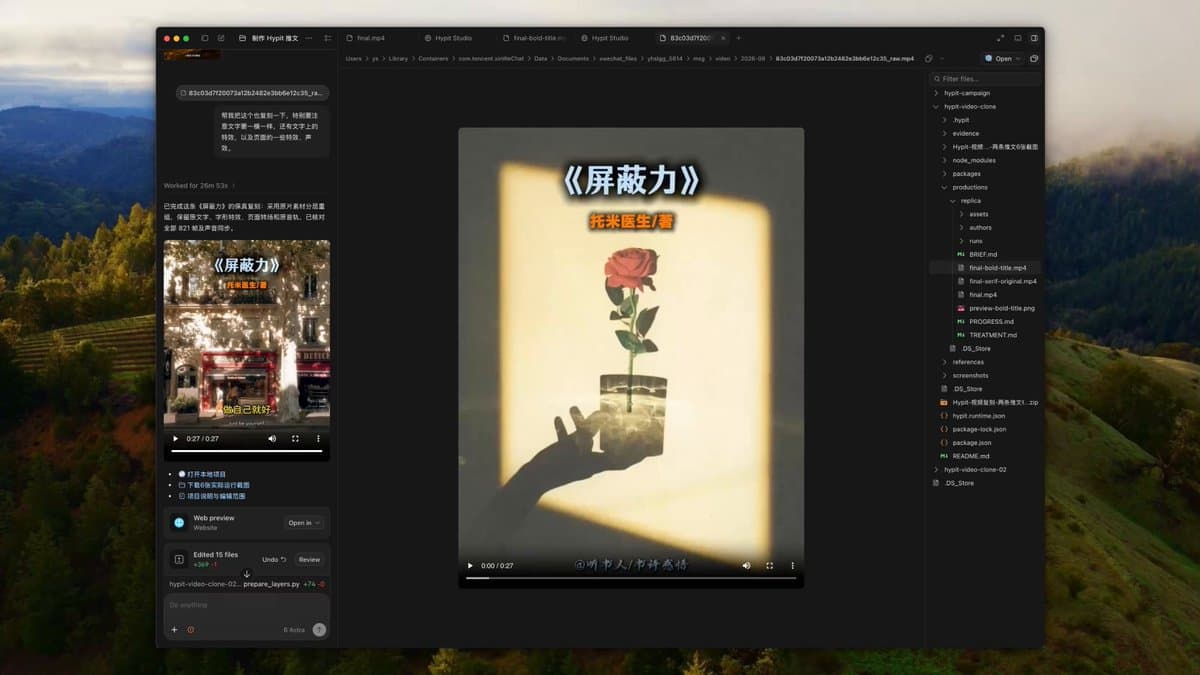
Extract a ranking structure, then replace people, visuals and content.
TUTORIAL
See how the agent, project files, preview and result connect.
TUTORIAL
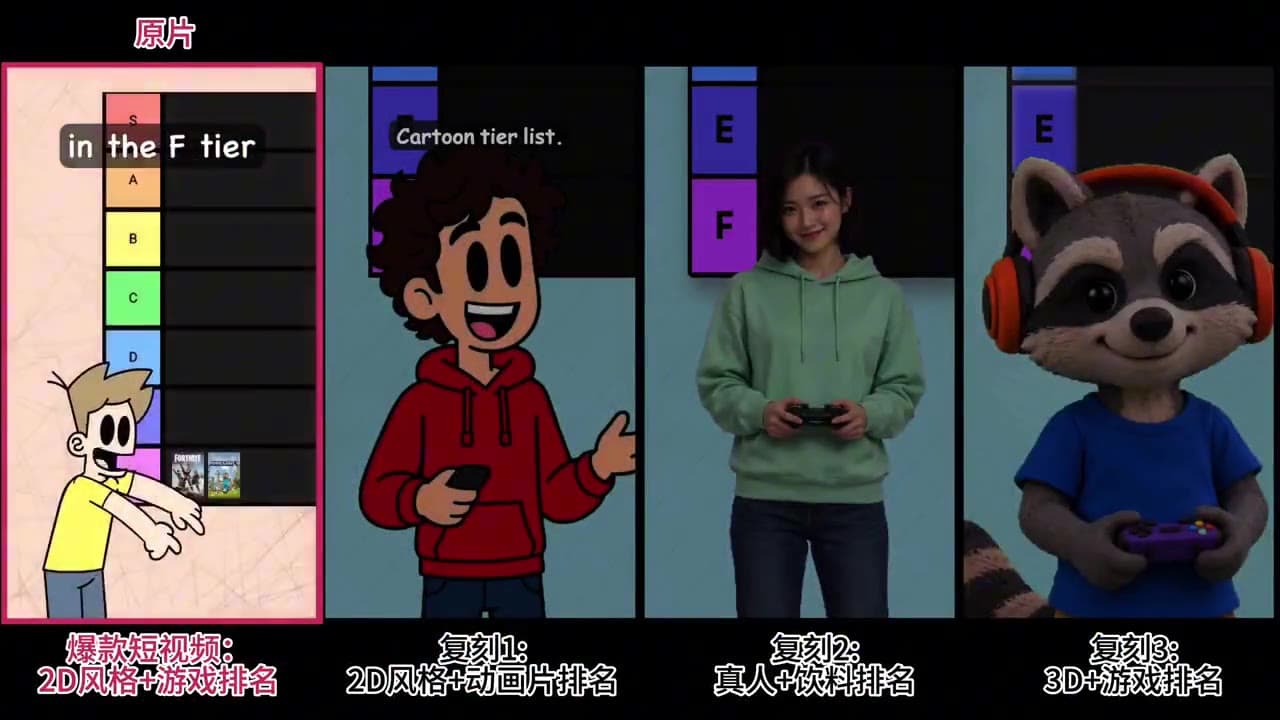
A five-minute walkthrough from reference to presenter variations.
TUTORIAL
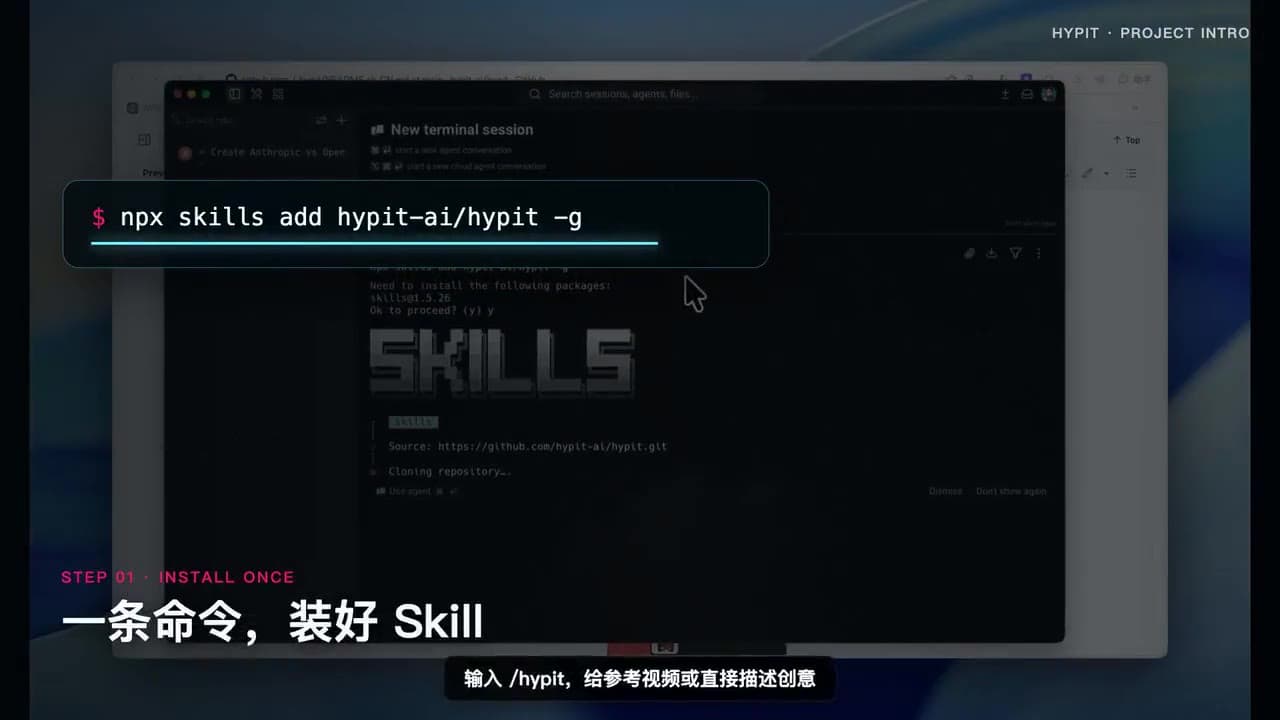
Find your way into Hypit and explore your own ideas.
TUTORIAL
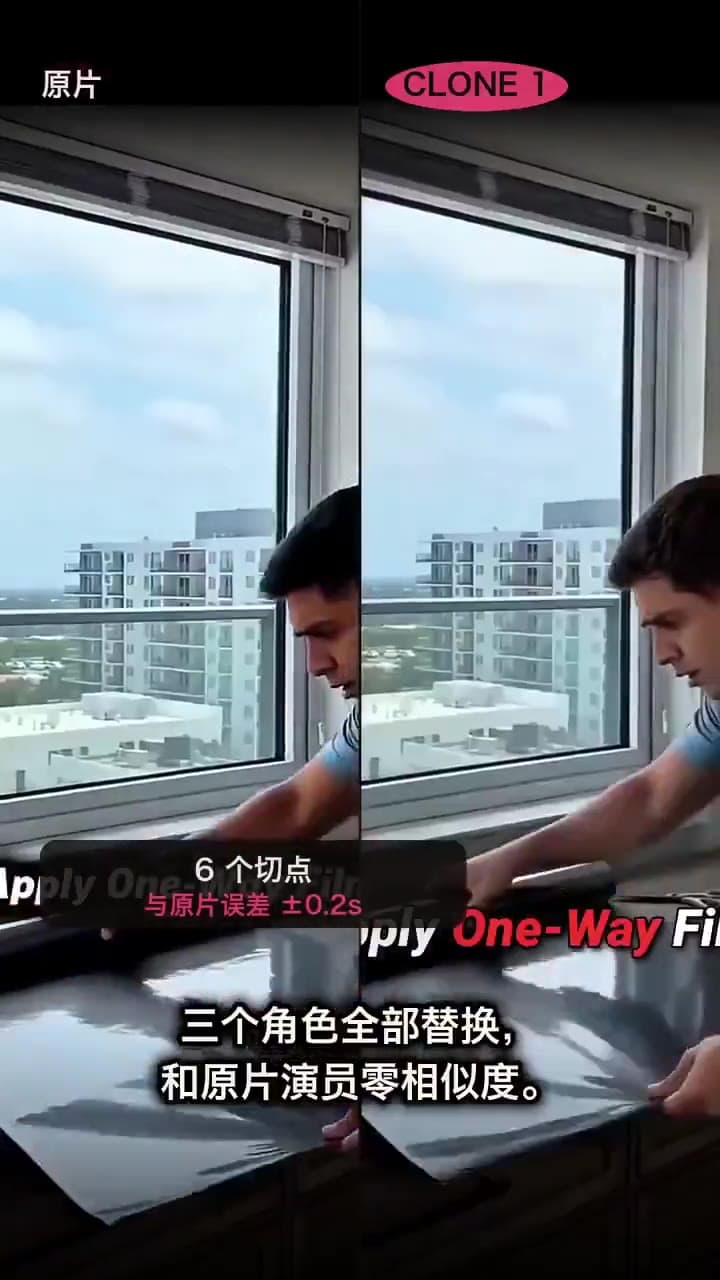
See different characters and settings tell a product story.
TUTORIAL
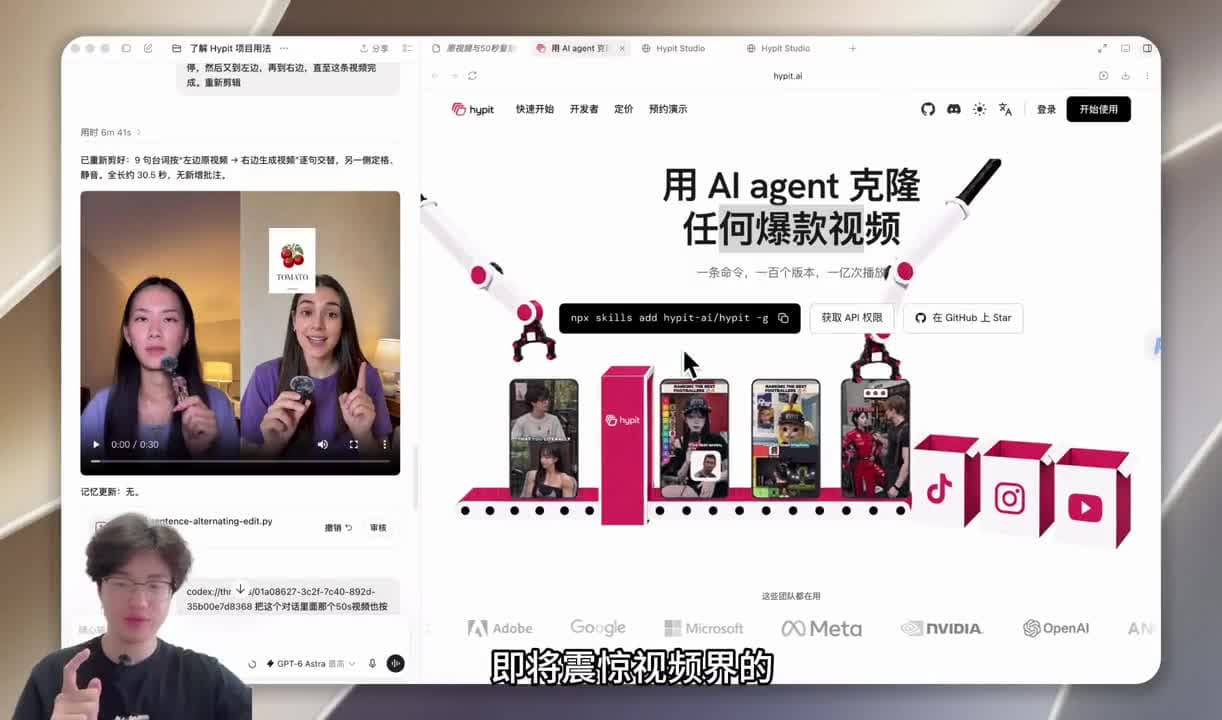
Follow a reference clip through the remix workflow.
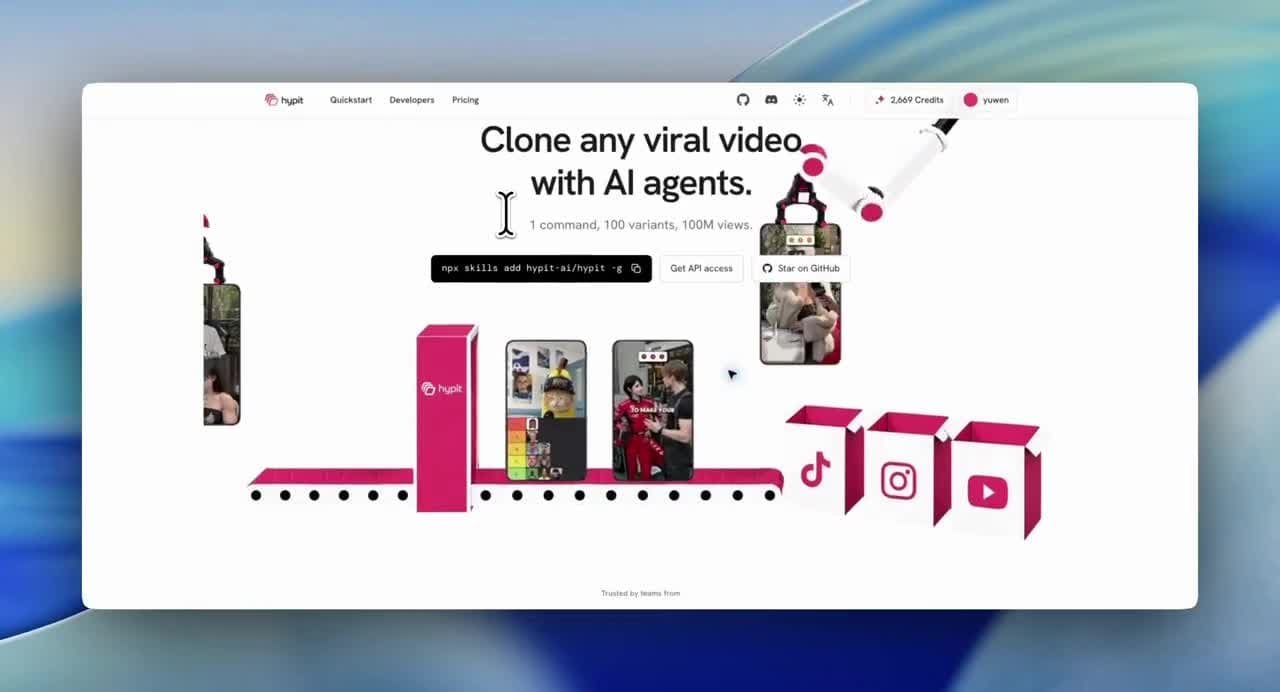
TUTORIAL
See how presenters, captions and visuals are edited.
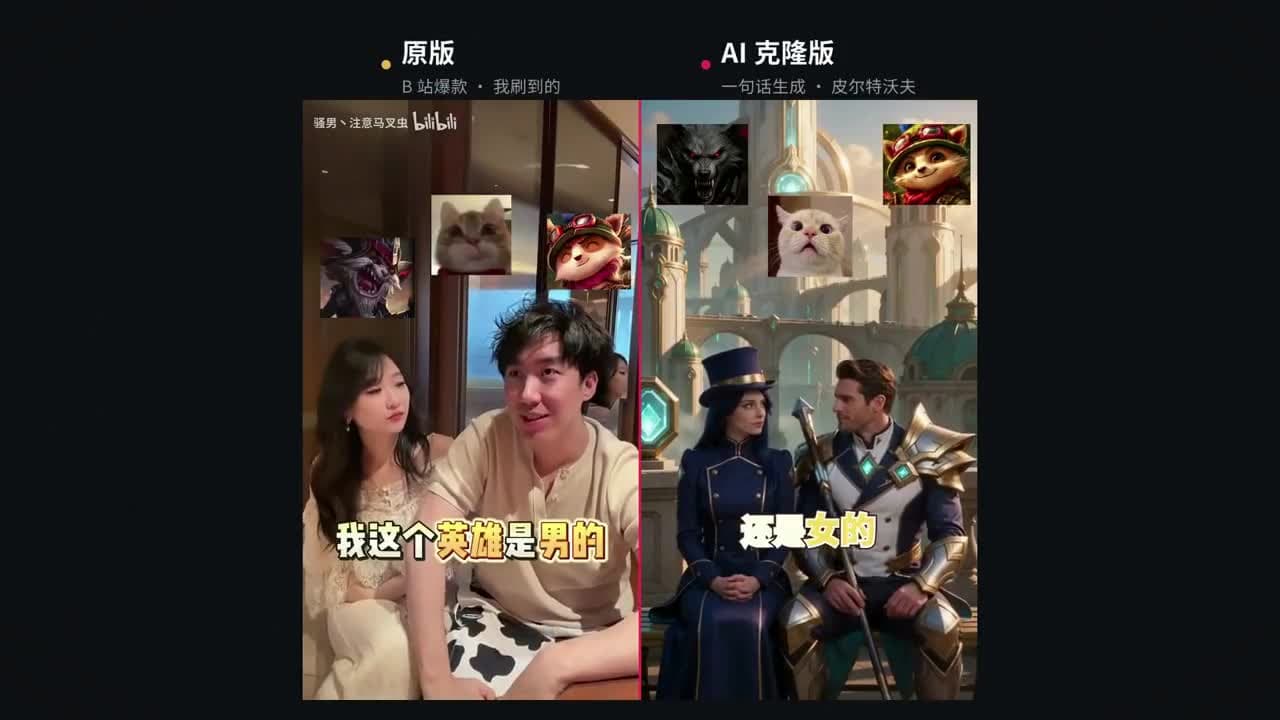
TUTORIAL
Add memes and character variations to your narration.

TUTORIAL
Turn your knowledge into a visual explainer with captions.
YOUR NEXT CREATIVE STARTS HERE
Join the early-access list. We’ll email you when the studio is available.
Early access · Video creation is coming soon