TUTORIAL
Explainer video tutorial
Turn your knowledge into a visual explainer with captions.
Original creator · Rachel🥥 @Zesee · View original X post ↗
What to watch for
- Object and scene shots accompany the presenter, illustrating the need to plan supporting footage.
- Use previews to identify missing material and composition problems before continuing production.
- Targeted changes differ from rebuilding the entire edit; track which elements are retained or replaced.
About this demonstration
The original post is labelled AI-generated and paid partnership. This page republishes and comments on it with permission; it does not imply a partnership between the reference creator and this site.
Community production records · 29 posts →Explore more inspiration
!
INSPIRATION
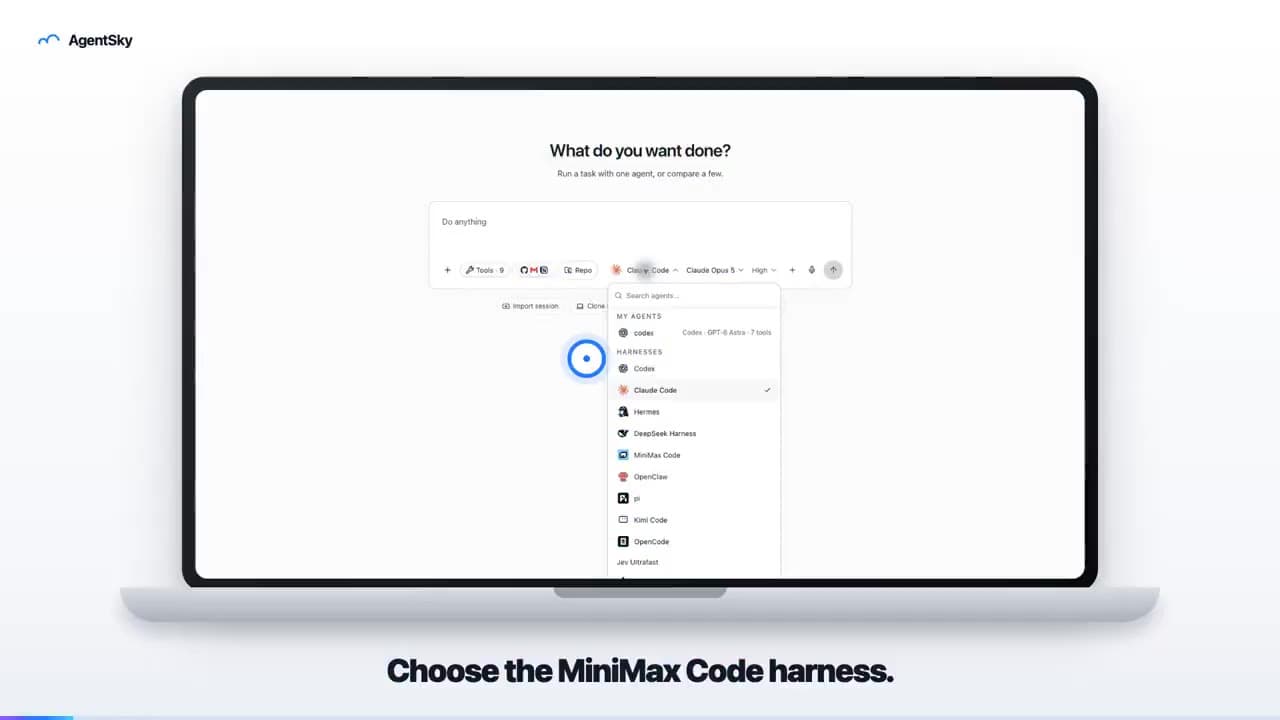
AgentSky product launch: edited with Hypit
An 18-second launch video uses a laptop frame, real interface and English captions to introduce an AgentSky workflow. The author explicitly credits Hypit editing in a reply.
!
INSPIRATION
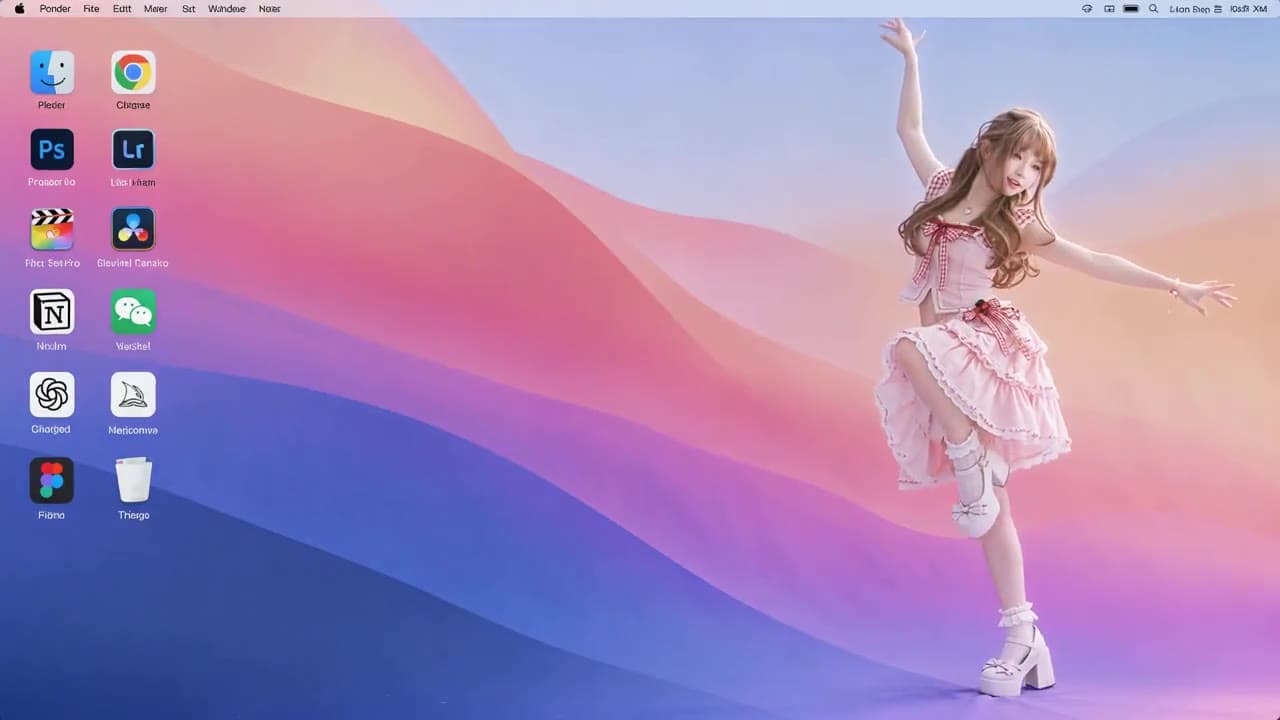
Anime character on a desktop: reference-remake result
A roughly ten-second landscape video places an anime character in a desktop scene with icons. The post describes preparing a reference clip and character image, then requesting a character replacement.
!
INSPIRATION
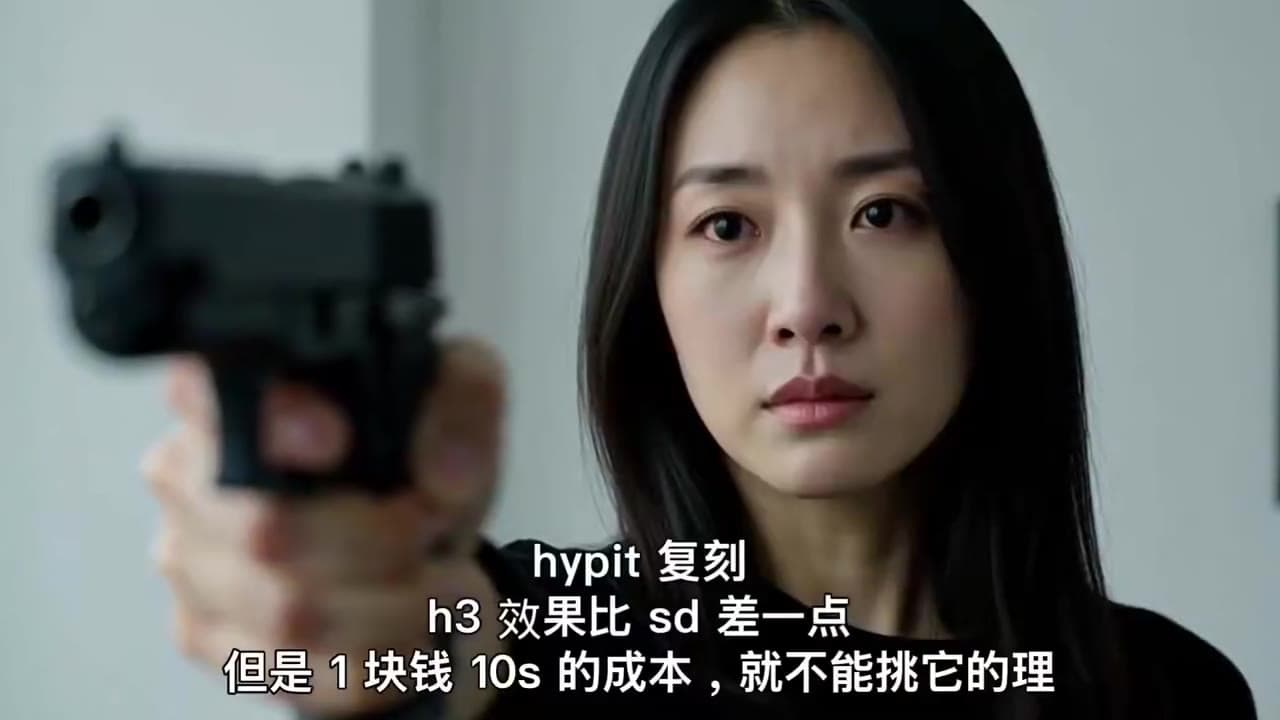
Hypit + H3: a ten-second dramatic remake
An emotional close-up with a gun carries the creator’s Hypit-remake caption. A dramatic-shot experiment, not a product ad.