TUTORIAL
Presenter remix tutorial
Follow a reference clip through the remix workflow.
Original creator · 逸尘 @gengdaJ · View original X post ↗
What to watch for
- The walkthrough introduces the reference and comparison before the editing interface, giving each step a purpose.
- Source and timeline views show how captions, imagery and tracks are organised.
- Track the inputs, requested changes and preview review as a checklist for your own brief.
About this demonstration
This walkthrough is a separate media file from the 31-second comparison, but belongs to the same creative case. The interface reflects the version recorded by the author.
Community production records · 29 posts →Explore more inspiration
!
INSPIRATION
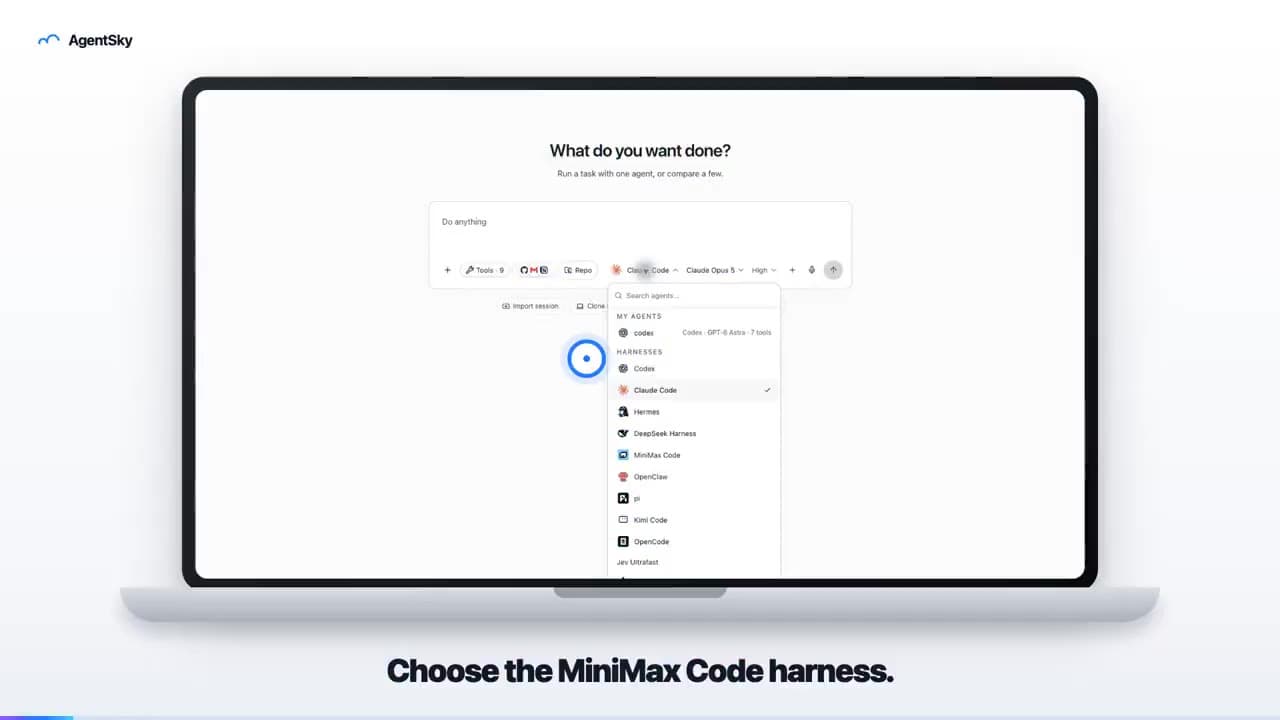
AgentSky product launch: edited with Hypit
An 18-second launch video uses a laptop frame, real interface and English captions to introduce an AgentSky workflow. The author explicitly credits Hypit editing in a reply.
!
INSPIRATION
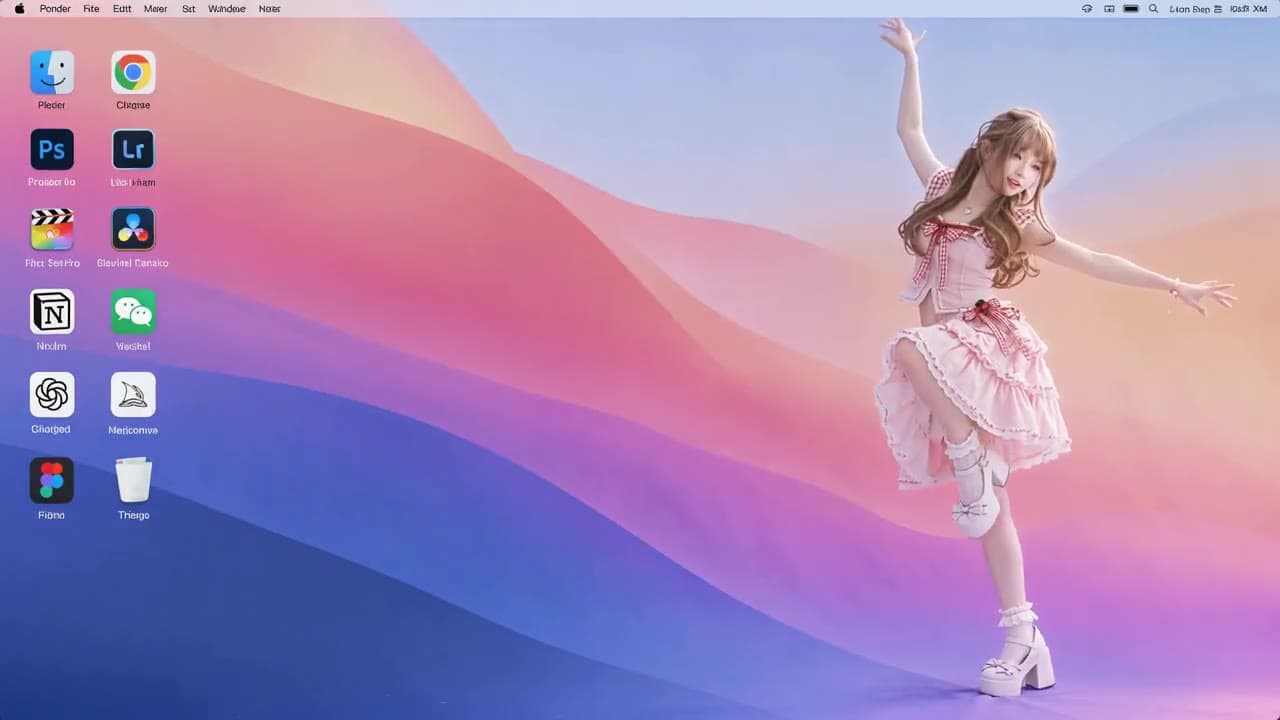
Anime character on a desktop: reference-remake result
A roughly ten-second landscape video places an anime character in a desktop scene with icons. The post describes preparing a reference clip and character image, then requesting a character replacement.
!
INSPIRATION
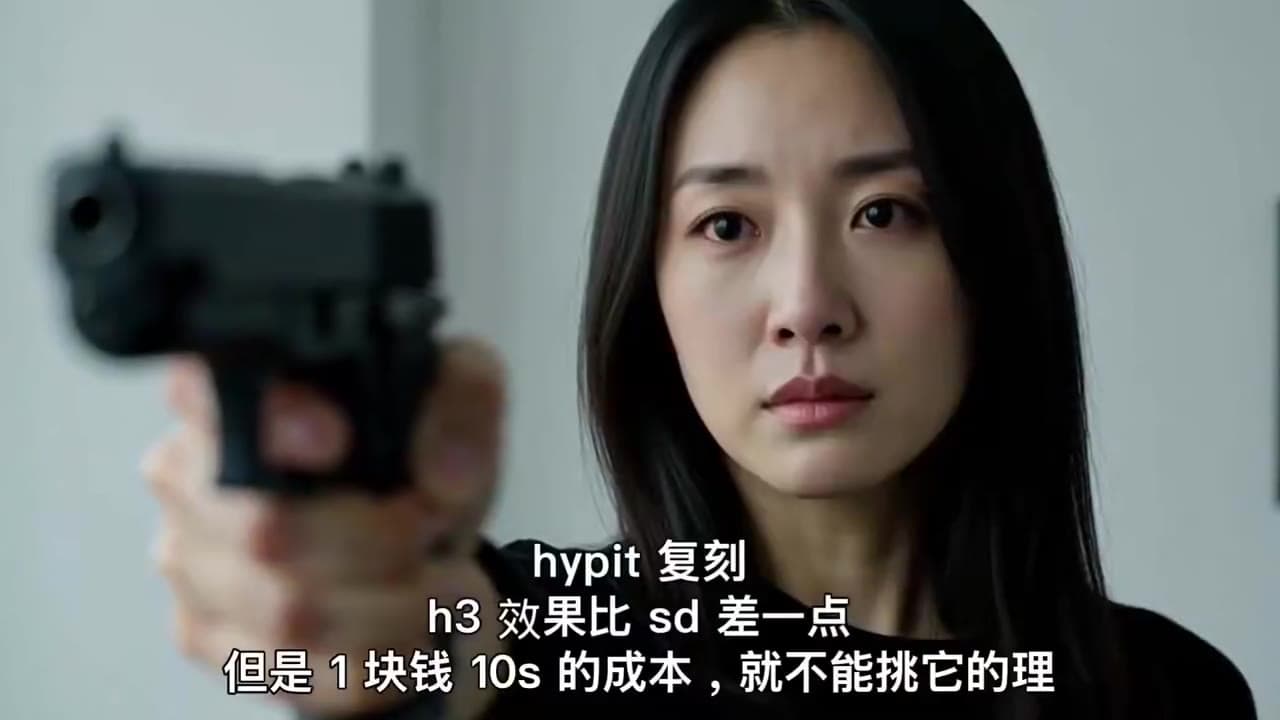
Hypit + H3: a ten-second dramatic remake
An emotional close-up with a gun carries the creator’s Hypit-remake caption. A dramatic-shot experiment, not a product ad.