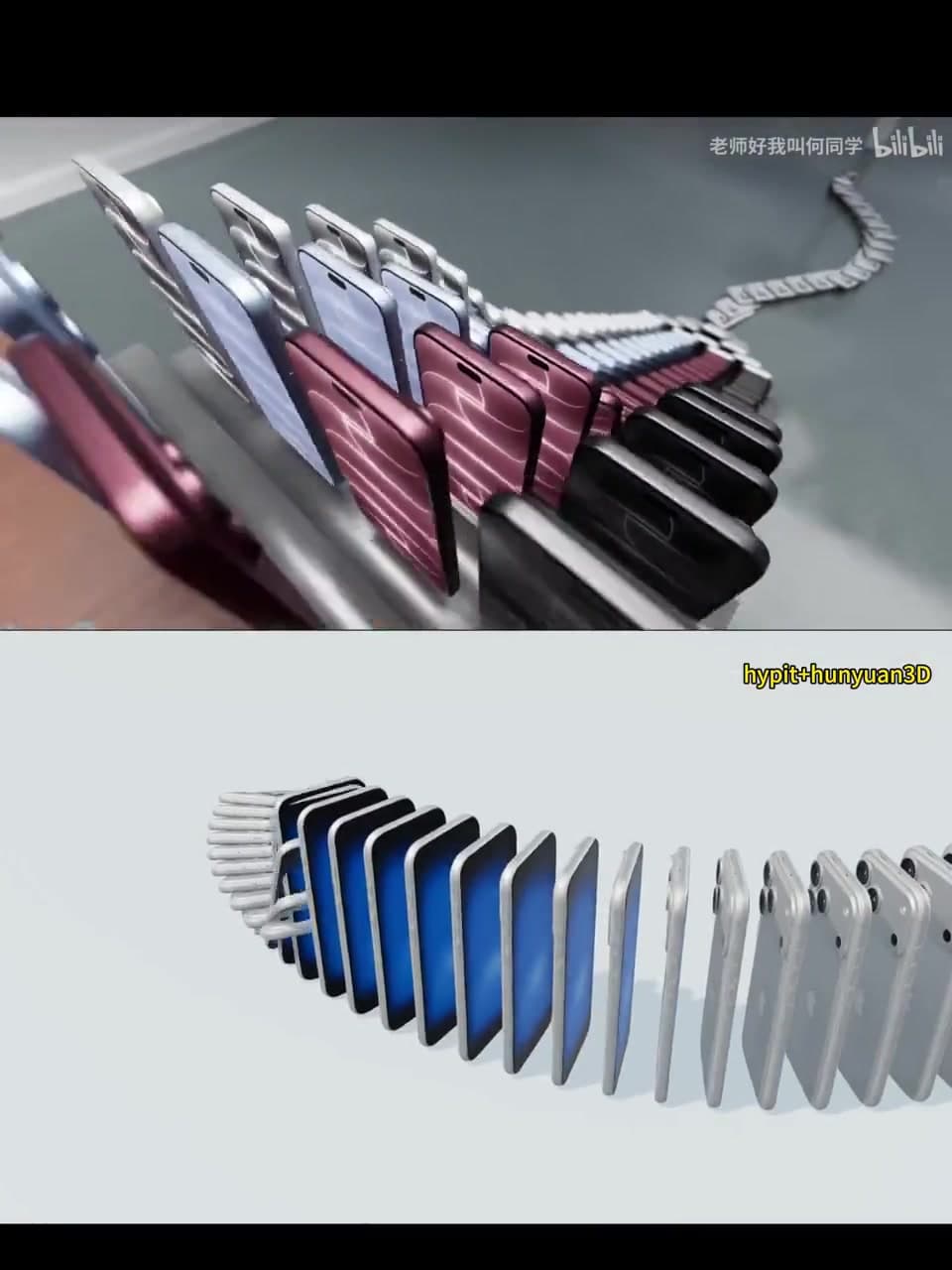
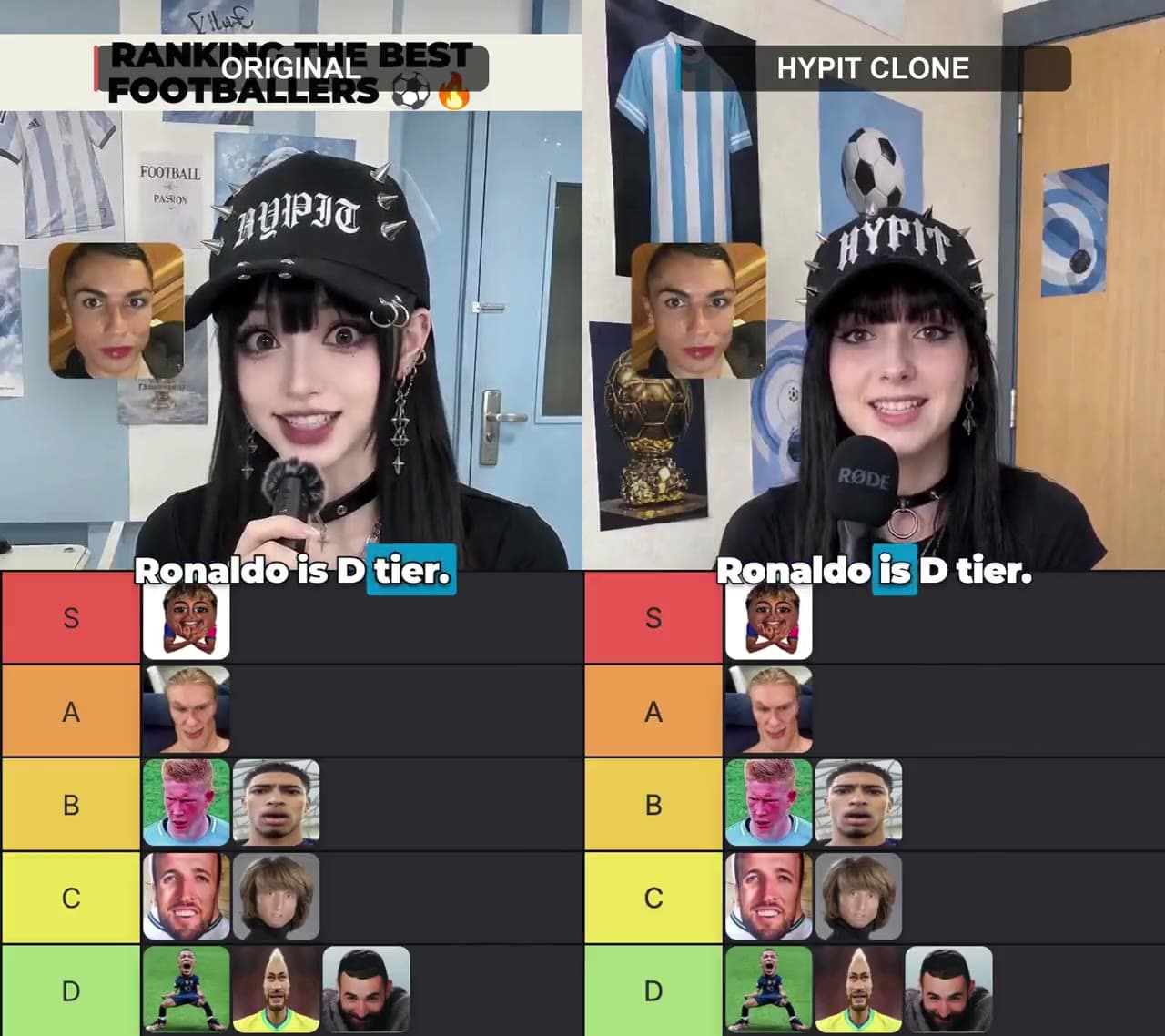
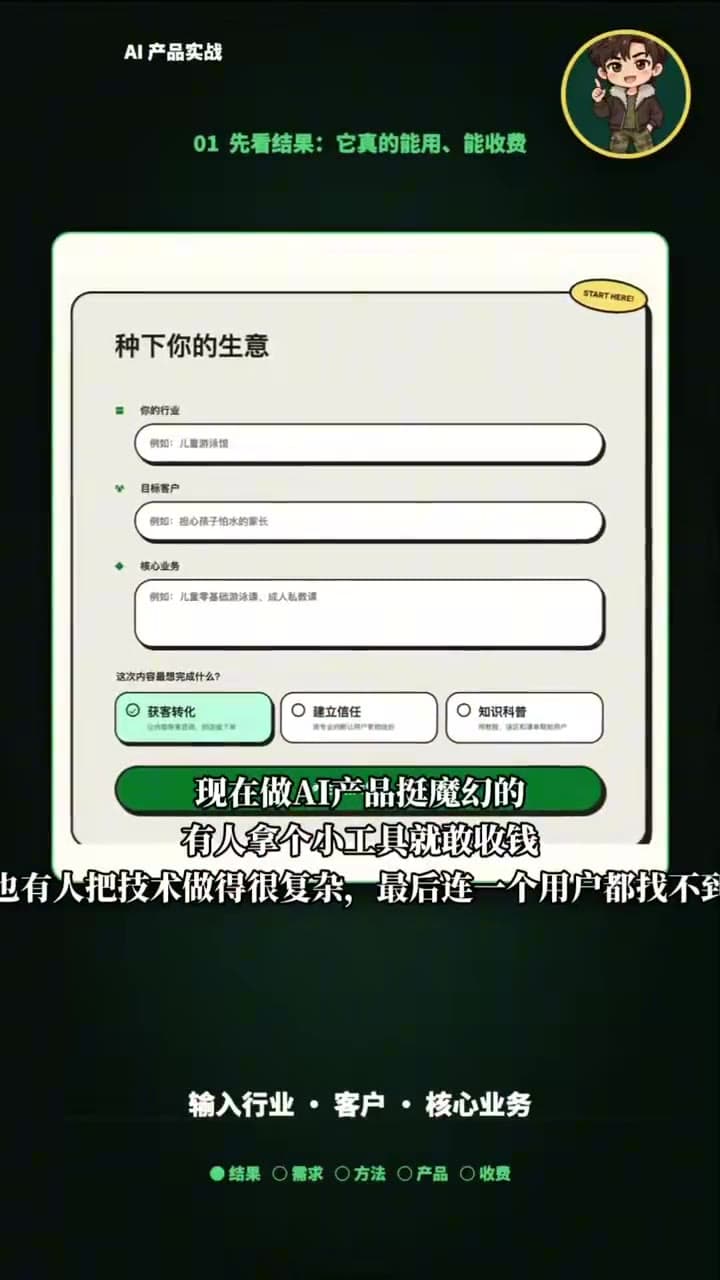
Chinese vertical narration
Reference input
Open example →56-second result
Open example →REAL EXAMPLES · PRACTICAL GUIDES · REMIX CHECKLISTS
Browse real Hypit examples and see which presenters, products, lines and assets need replacing. Pick an effect, then use the guide to prepare your own version.
One-click remixing is in preparation · Examples and guides are available now
WATCH THE WHOLE WORKFLOW
The six-minute phone-stand case starts from a price-comparison structure, builds a Chinese product video, then changes the presenter, scorecard and language.
FROM A REFERENCE TO YOUR VERSION
Every step leads to a collected example or practical guide. You do not need to rely on an unreleased product feature.
Keep the low-versus-high-price setup, three tests and scenario-based conclusion without copying the presenter, brand, script or footage.
Prepare real model names, dated price sources, repeatable tests, product footage, new narration and an accurate next action.
Play the whole export, watch captions on mute, listen without picture, then check every price, model and conclusion against the evidence sheet.
REFERENCE, PROCESS AND RESULT
Only material with a clear relationship is grouped together. Different creators and projects are not presented as one remix.
FOUR COLLECTED CASE TYPES
Each effect needs different inputs. Open its guide for the video, replacement scope and complete review list.
Models, dated prices, three tests and product footage
Verify every comparison claim↗02Character assets, ranking basis, action beats and captions
Match each rank to its segment↗03Original script, presenter, voice, B-roll and caption rules
Review sync and readability on a phone↗04Product facts, baseline project, presenter dependencies and version table
Keep fixed elements unchanged↗MORE REAL EFFECTS
Scan the result first, then open the detail page for its source, replaceable content and related guide.
KEEP GOING
The homepage keeps the three most useful entry points. Setup, provider and troubleshooting material stays in the guide index.
Not yet. This is our early-access launch. Explore the planned formats and join the list for a studio availability update.
Our planned browser workflow does not require a local coding agent. Actual launch capabilities will be documented when available.
Pricing is not published yet. Joining the early-access list is free and does not start a subscription.
Use references and assets you own or have permission to use. A reference does not grant rights to another person’s footage, likeness, voice or music.
YOUR NEXT CREATIVE STARTS HERE
Join the early-access list. We’ll email you when the studio is available.
Early access · Video creation is coming soon