TUTORIAL
Nine-minute Hypit framework walkthrough
Understand source files, video components, preview and custom workflows.
Original creator · oil-oil @I_am_oil_oil · View original X post ↗
What to watch for
- The creator uses source files beside a video preview to show captions, audio, supporting visuals and animation as editable components.
- Reference adaptation starts with structure, then replaces presenter, content and media rather than only changing the script.
- The recording connects the Studio preview to project files so a visual section can be traced to its component.
- A custom explainer workflow later in the video shows that reference adaptation is one entry point; a project can also begin from a brief.
About this demonstration
This is the creator’s framework overview and personal workflow, not our installation acceptance or benchmark. Star counts are a publication-time snapshot; verify commands, services and features against current official documentation and the installed version.
Community production records · 29 posts →Explore more inspiration
!
INSPIRATION
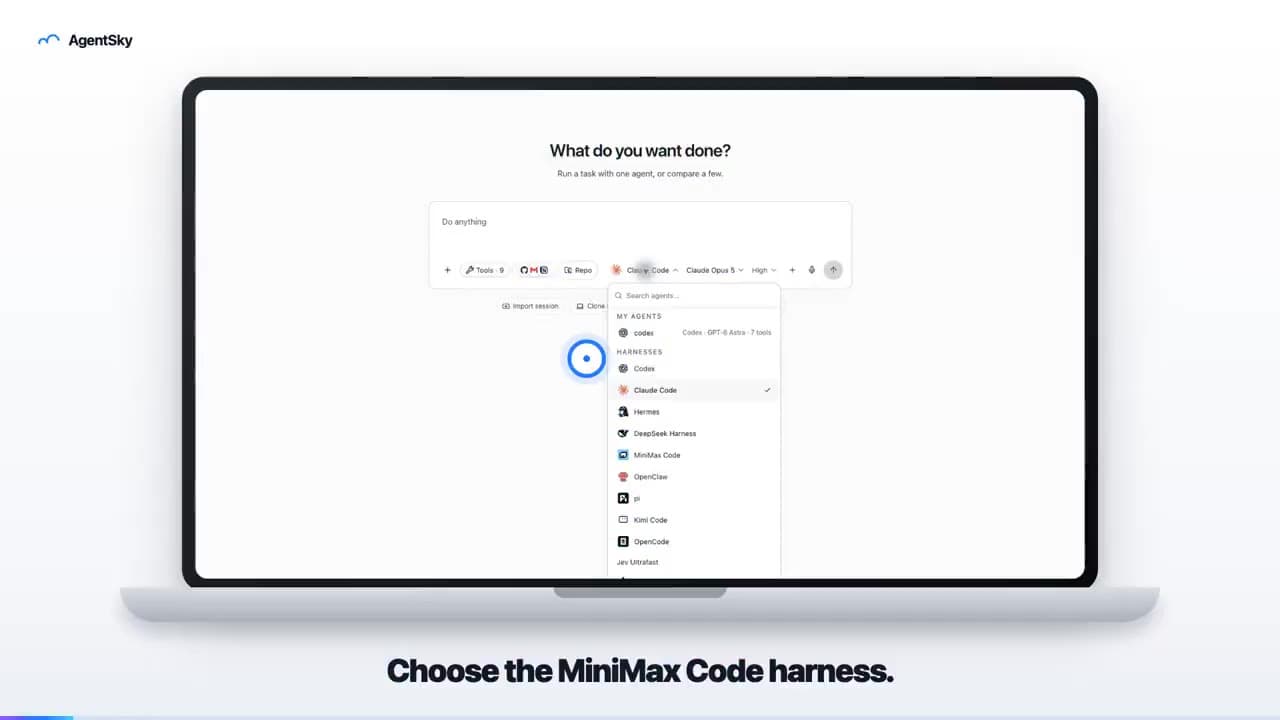
AgentSky product launch: edited with Hypit
An 18-second launch video uses a laptop frame, real interface and English captions to introduce an AgentSky workflow. The author explicitly credits Hypit editing in a reply.
!
INSPIRATION
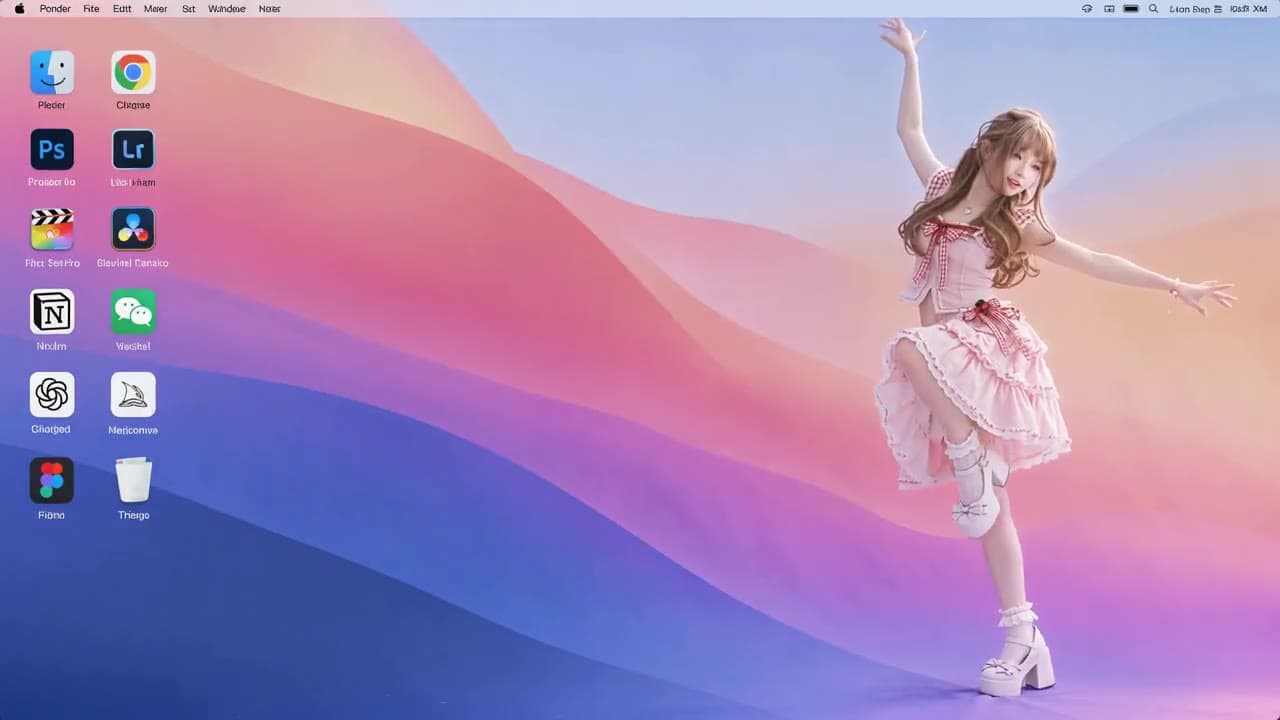
Anime character on a desktop: reference-remake result
A roughly ten-second landscape video places an anime character in a desktop scene with icons. The post describes preparing a reference clip and character image, then requesting a character replacement.

!
INSPIRATION
Hypit + H3: a ten-second dramatic remake
An emotional close-up with a gun carries the creator’s Hypit-remake caption. A dramatic-shot experiment, not a product ad.