TUTORIAL
Meme narration tutorial
Add memes and character variations to your narration.
Original creator · huangserva @servasyy_ai · View original X post ↗
What to watch for
- Compare caption and meme placement at the opening to identify the preserved structure.
- The step-by-step sequence connects inputs to outputs; turn your own requirements into similarly explicit checks.
- After replacing characters and backgrounds, control visual density so captions and meme overlays remain readable.
About this demonstration
The original recording contains the creator’s cost figures and promotional commentary. We preserve the video with attribution and do not treat those figures as fixed production prices.
Community production records · 29 posts →Explore more inspiration
!
INSPIRATION
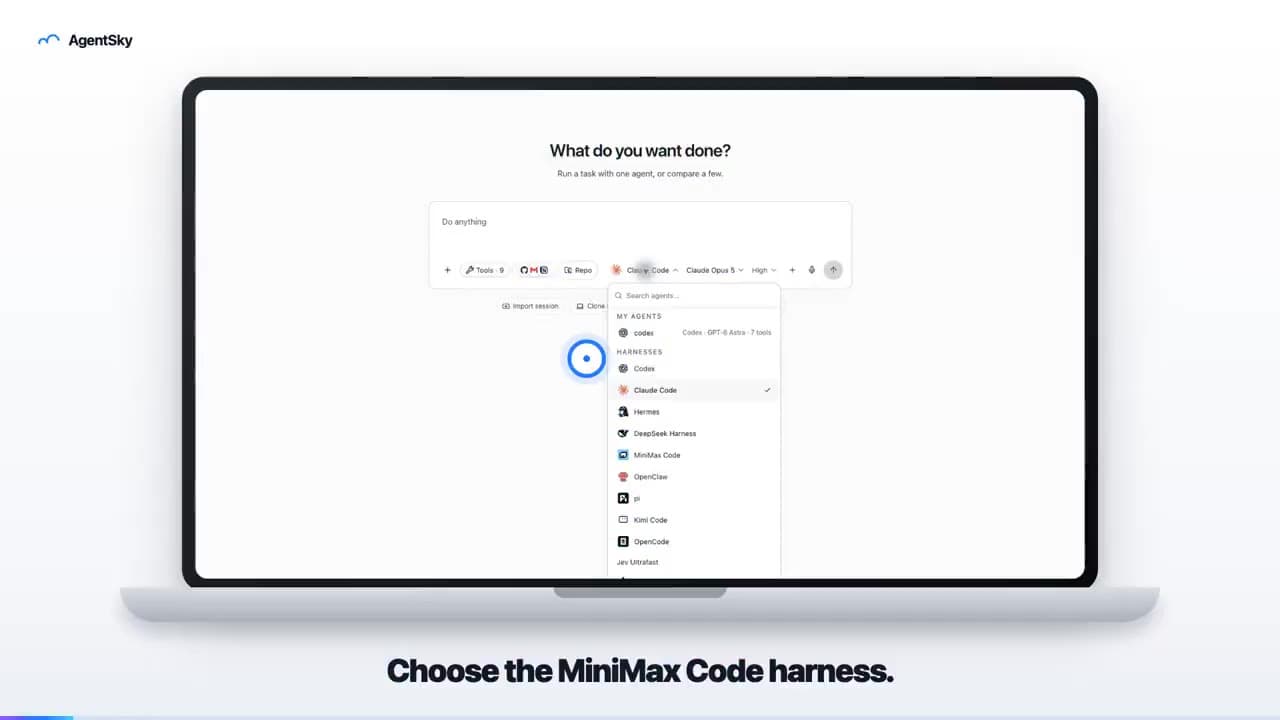
AgentSky product launch: edited with Hypit
An 18-second launch video uses a laptop frame, real interface and English captions to introduce an AgentSky workflow. The author explicitly credits Hypit editing in a reply.
!
INSPIRATION
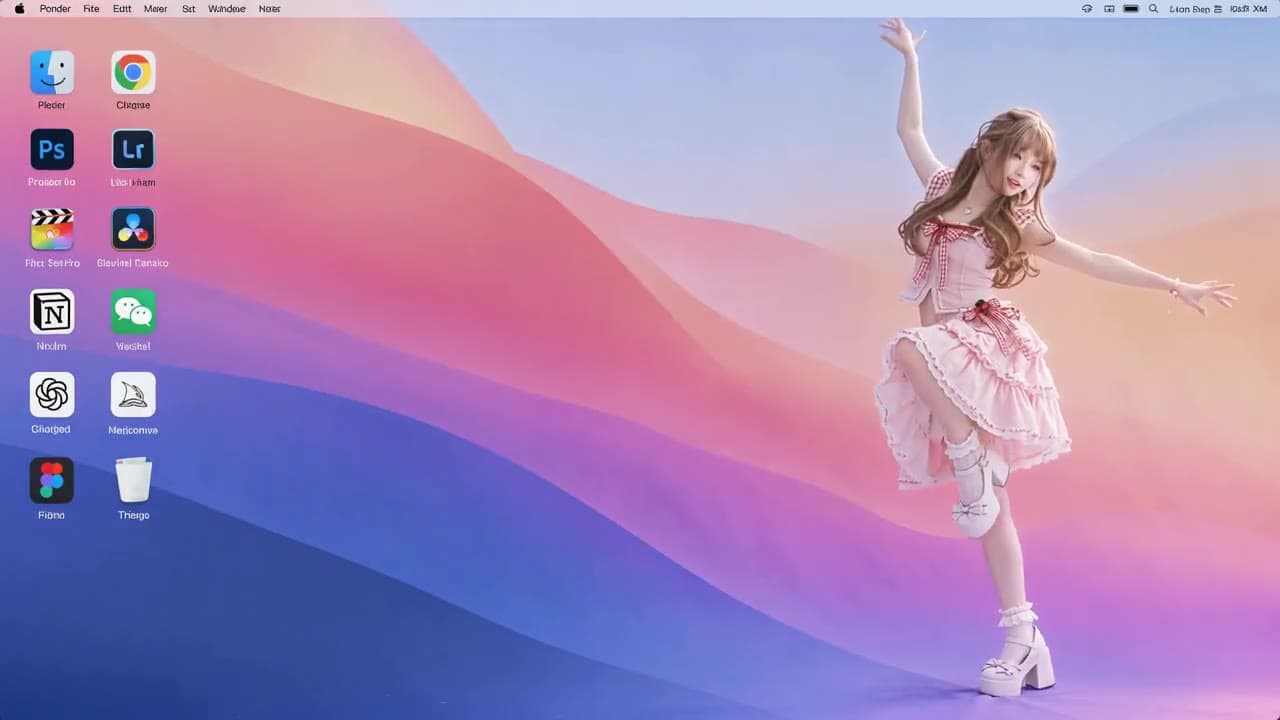
Anime character on a desktop: reference-remake result
A roughly ten-second landscape video places an anime character in a desktop scene with icons. The post describes preparing a reference clip and character image, then requesting a character replacement.
!
INSPIRATION
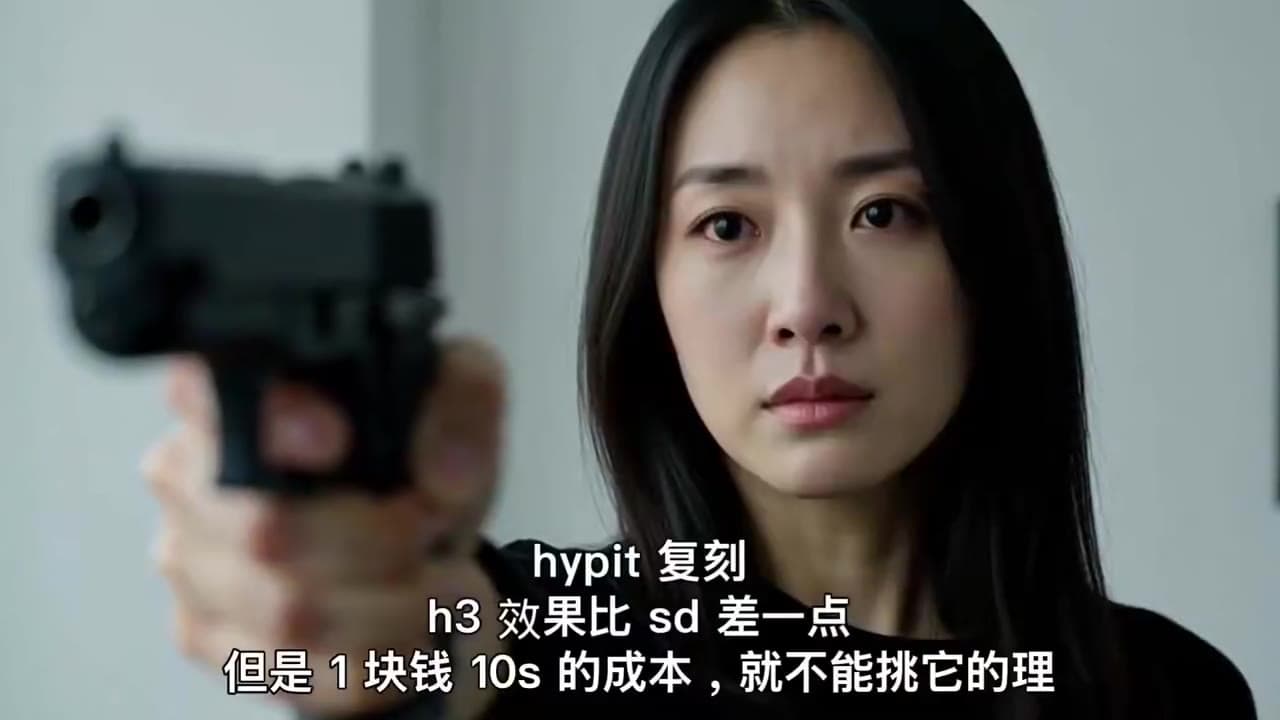
Hypit + H3: a ten-second dramatic remake
An emotional close-up with a gun carries the creator’s Hypit-remake caption. A dramatic-shot experiment, not a product ad.