TUTORIAL
From setup to your first idea
Find your way into Hypit and explore your own ideas.
Original creator · Berryxia.AI @berryxia · View original X post ↗
What to watch for
- Presenter clips precede the setup overview; distinguish examples of output from actual setup steps.
- The recording shows Skill installation and the /hypit entry. Check current official instructions when installing.
- Side-by-side versions illustrate preserved structure and changed content; compare people, captions and inserts separately.
- The ending presents variations from one idea. Start with a variable list before planning multiple outputs.
About this demonstration
This is a creator overview, not a complete installation acceptance run or quality benchmark. Cost and competing-tool claims in the source are not adopted as our comparison findings.
Community production records · 29 posts →Explore more inspiration
!
INSPIRATION
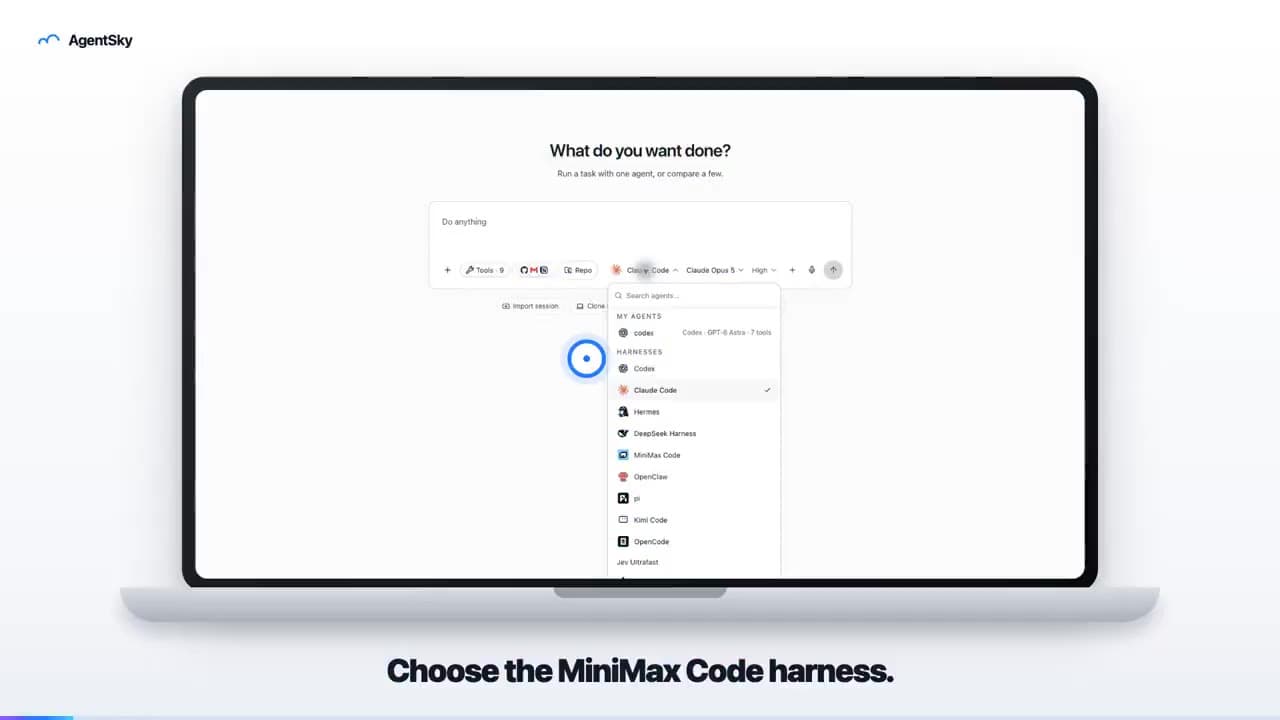
AgentSky product launch: edited with Hypit
An 18-second launch video uses a laptop frame, real interface and English captions to introduce an AgentSky workflow. The author explicitly credits Hypit editing in a reply.
!
INSPIRATION
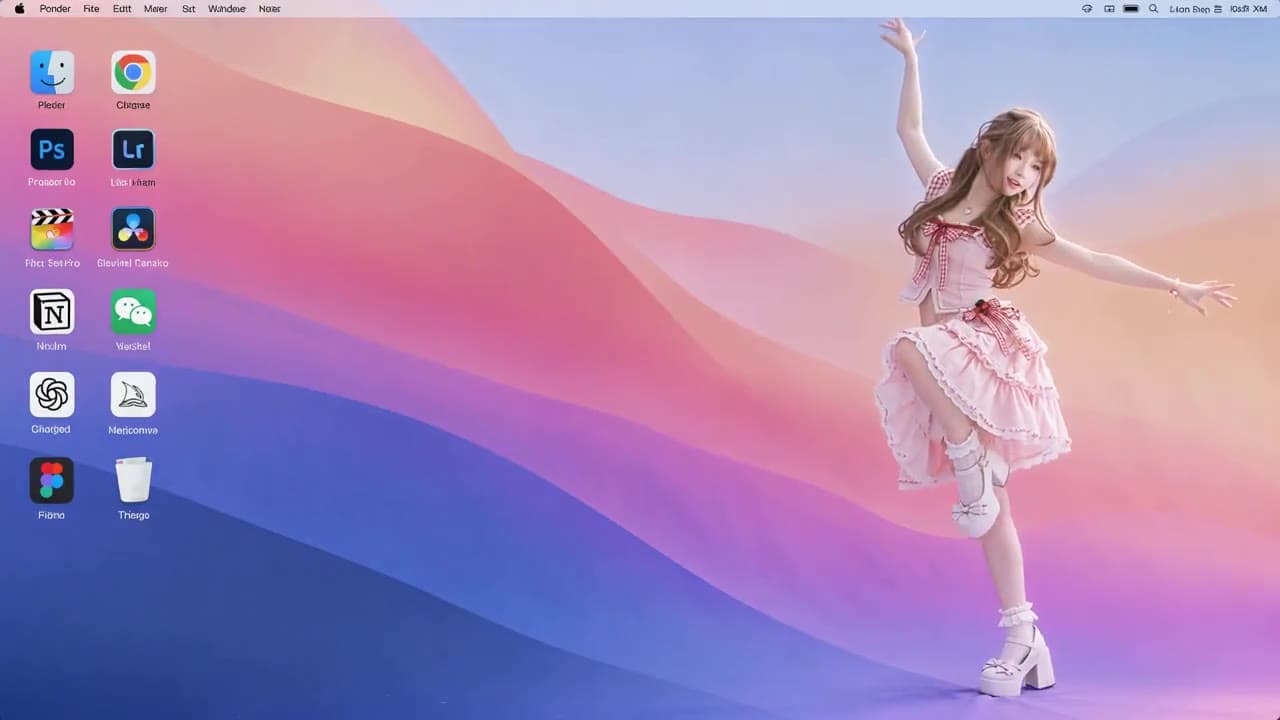
Anime character on a desktop: reference-remake result
A roughly ten-second landscape video places an anime character in a desktop scene with icons. The post describes preparing a reference clip and character image, then requesting a character replacement.
!
INSPIRATION
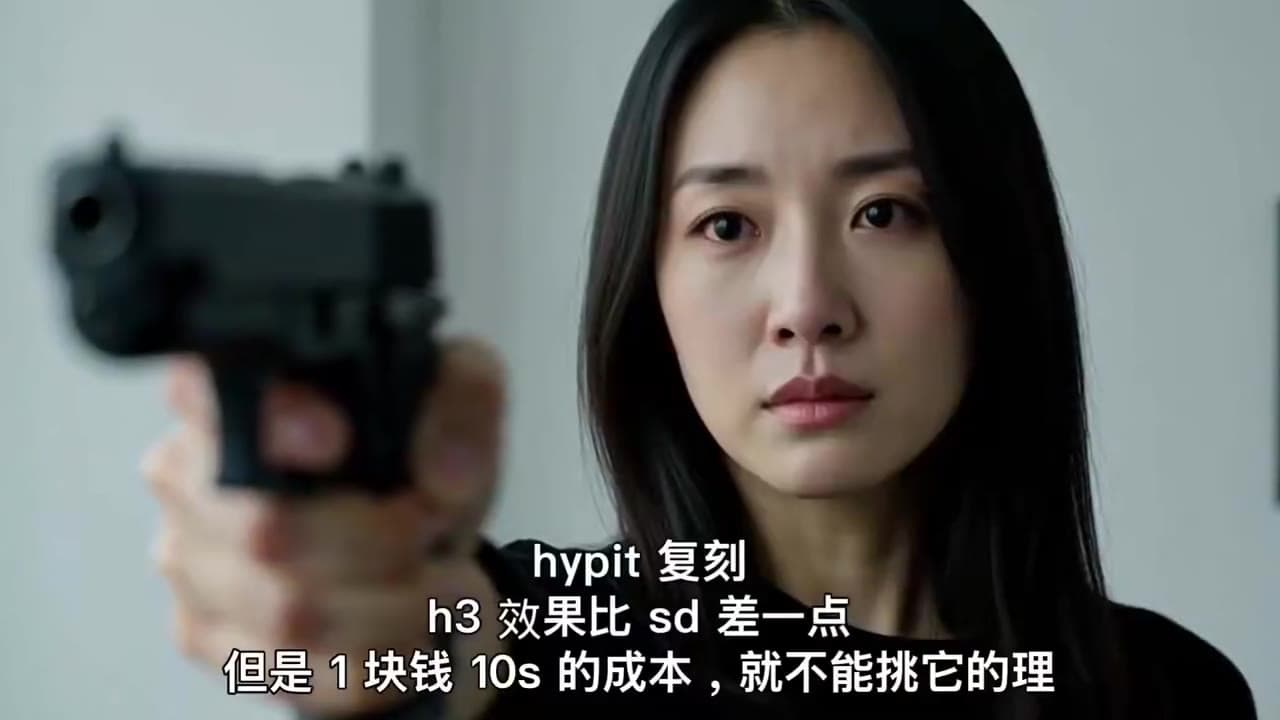
Hypit + H3: a ten-second dramatic remake
An emotional close-up with a gun carries the creator’s Hypit-remake caption. A dramatic-shot experiment, not a product ad.