TUTORIAL
Create a ranking video
A five-minute walkthrough from reference to presenter variations.
Original creator · 木子不写代码 @ai_muzi · View original X post ↗
What to watch for
- The opening places presenter variations side by side, making the shared ranking board easy to compare.
- The tutorial moves between code, assets and output; track which project element maps to each visual element.
- The creator marks hands-on work at 02:16 and focused edits at 04:00 in the source post.
- Later revision instructions preserve an existing project while making another version; pair this with our reuse guide.
About this demonstration
This is the creator’s tutorial, not our reproduction log. Claims of perfect replication or batch results are not guarantees for other references. Use permitted assets when planning your own work.
Community production records · 29 posts →Explore more inspiration
!
INSPIRATION
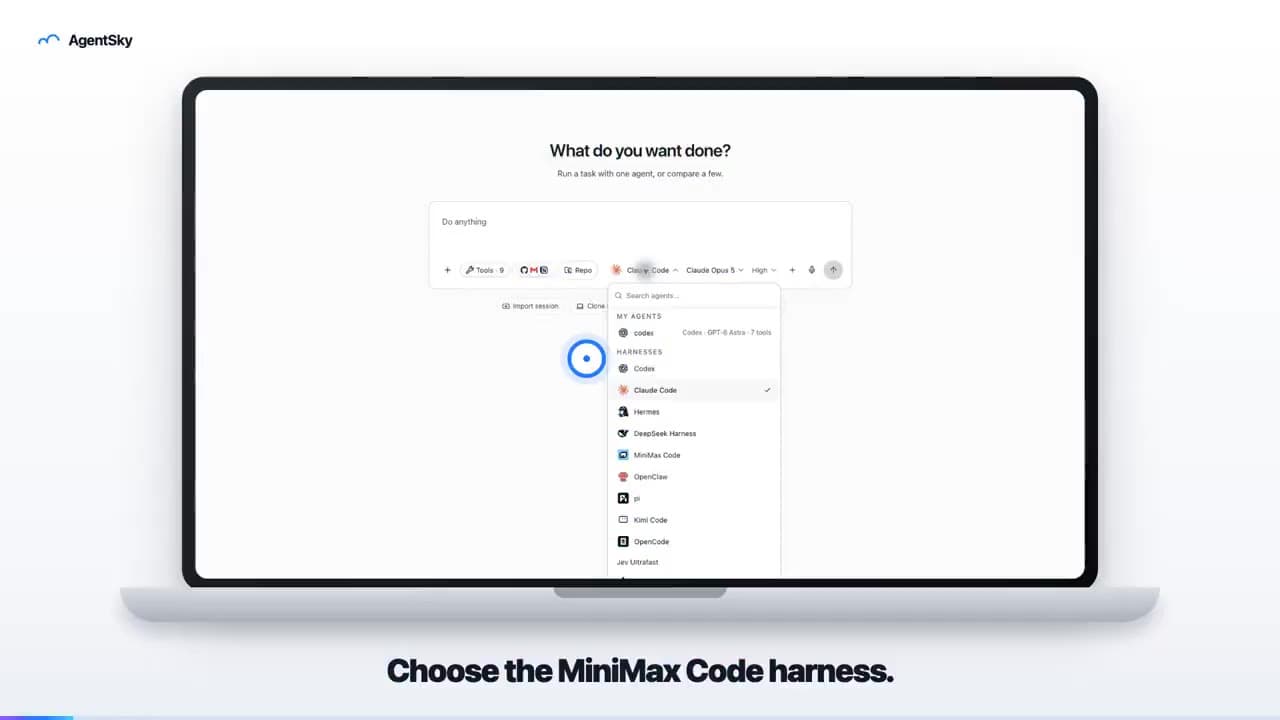
AgentSky product launch: edited with Hypit
An 18-second launch video uses a laptop frame, real interface and English captions to introduce an AgentSky workflow. The author explicitly credits Hypit editing in a reply.
!
INSPIRATION
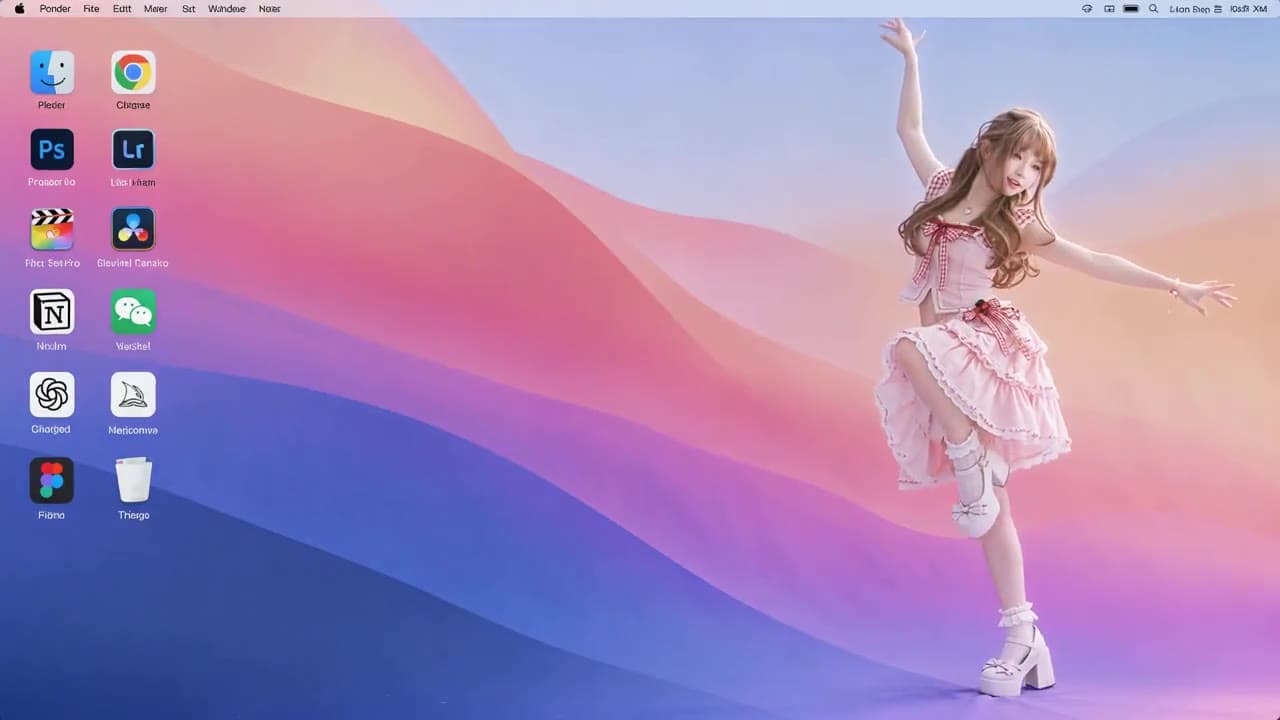
Anime character on a desktop: reference-remake result
A roughly ten-second landscape video places an anime character in a desktop scene with icons. The post describes preparing a reference clip and character image, then requesting a character replacement.

!
INSPIRATION
Hypit + H3: a ten-second dramatic remake
An emotional close-up with a gun carries the creator’s Hypit-remake caption. A dramatic-shot experiment, not a product ad.